Add an additional layer of security by allowing only one person to log in as a user at a time. Prevent multiple users from using the same credentials at the same time. The user previously logged in will be logged out automatically and be prompted with a message.
Simultaneous Logins is a SuiteCRM add-on that empowers Admins to allow or deny multiple CRM login sessions that use the same user credentials. This feature helps users detect if their account is being used at another location, potentially leaving sensitive CRM data vulnerable.
When it is crucial to access a certain user’s account, the Masquerade add-on for SuiteCRM allows Admins to log in as any regular user without needing their password.
The Multiple Fields add-on for SuiteCRM allows you to add dynamic fields and panels on the fly when adding records to a form, while working in any module.
Now you can check your team’s work without disturbing them. Sudo Login for SuiteCRM enables Admin users to log in to any of their team members’ CRM accounts without asking for the credentials or causing disruption to productivity.
In today's world Google is the most preferred quick-login option to many apps/platforms. This plugin allows a SuiteCRM user to directly login with their Google ID which removes the need to remember yet another username and password. Simply click on Login with Google. The user must exist in Suit...
Login Track helps you track how regularly your staff is logging in to SuiteCRM along with the environment they use.
Custom Login Page is a SuiteCRM add-on that enables you to transform the default CRM login page into a modern, more meaningful page that complements your company’s branding.
Tired of remembering multiple passwords to access your CRM and other platforms? Google Login Plugin allows you to conveniently log in to SuiteCRM using a Google mail account.
Upload Multiple Files using a single Multiupload file field. Send Multiupload files as attachments with Email using Workflows.
Implement the power of Google Authentication features in your SuiteCRM platform for improved security.
This add-on helps users log into SuiteCRM with their existing Google ID, so they no longer need to remember multiple user credentials. As the plugin enables the user will automatically redirect to Google URL where the user selects an account he will redirect on the CRM.
Upload Multiple files of any extension using a single file field. Not only that we can send Email with all the attachments using workflow. One plugin to manage all your files.
Want each user to have their own outgoing email server configuration? This add-on is perfect for that. Each user can setup their own outgoing server.
Login Security is a SuiteCRM extension that delivers an additional level of security for your CRM, helping your business avoid potentially harmful logins from banned IP addresses or unknown persons. Works with all SuiteCRM modules.
This add-on helps a user to log into SuiteCRM with an existing Google ID. No more having to remember yet another new login account. Just click on the "Sign in with Google" button and login right into the CRM.
The Custom Login Pro is a SuiteCRM add-on that allows you to use decent and attractive pages and replace the default CRM login page with a more modern-looking page that better meets the requirements of your organization.
Galleria - Image Gallery for uploading multiple images and viewing them as sliding images gallery
Secure your SuiteCRM. Protect your CRM against brute force attacks, manually listing allowed IPs (IP Restriction and IP Whitelisting) or automatically adding prohibited IPs. Track users' logins and protect your data.
Secure your SuiteCRM password and account data by implementing two-factor authentication with Google Authenticator.
Sudo Login (or Masquerade) allows Administrators to log in as any regular user without asking for their password and without disconnecting them. Specially useful for configuring their workspace (filters, reports, dashboard) or to support users (reproduce issues, help them step by step, etc).
If you are dealing with the standard CRM file uploading restrictions, there is a better way to manage the various file types you need access to. With the Multiple File Upload add-on for SuiteCRM, gain the ability to upload multiple file types, documents, and images directly in your CRM.
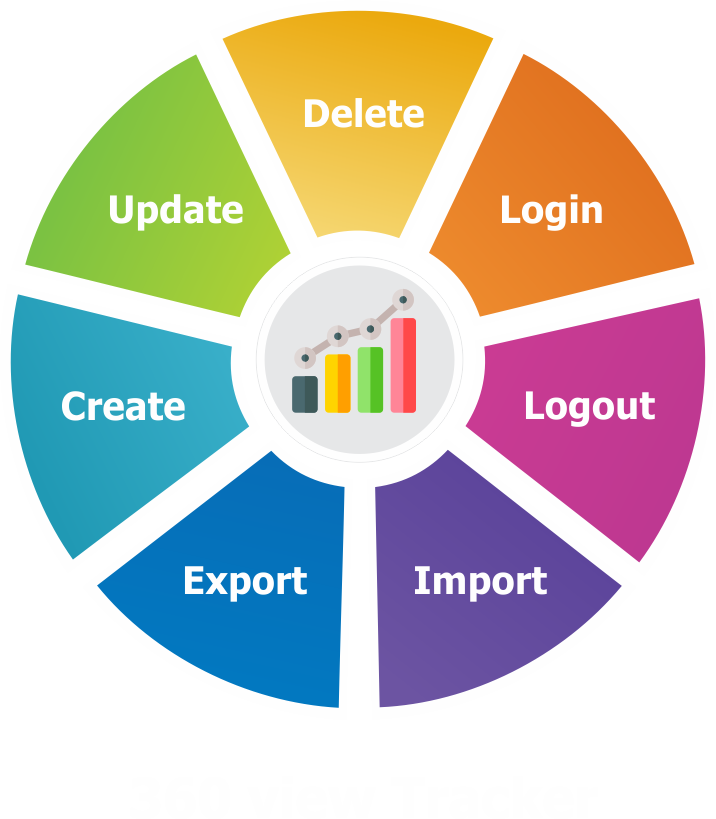
With the 360 View Tracker add-on, track and understand your team’s day-to-day SuiteCRM activities. From logins/logouts to updates, imports/exports and more, get user details and IP addresses to help review, report and manage your CRM team processes.
Tally helps your business manage accounting and inventory in a simplified way, and now you can access the convenience of Tally within SuiteCRM. Sync your Account, Product and Invoice categories from Tally to SuiteCRM. Create new accounts in Tally from your CRM, link and sync existing CRM accounts in...
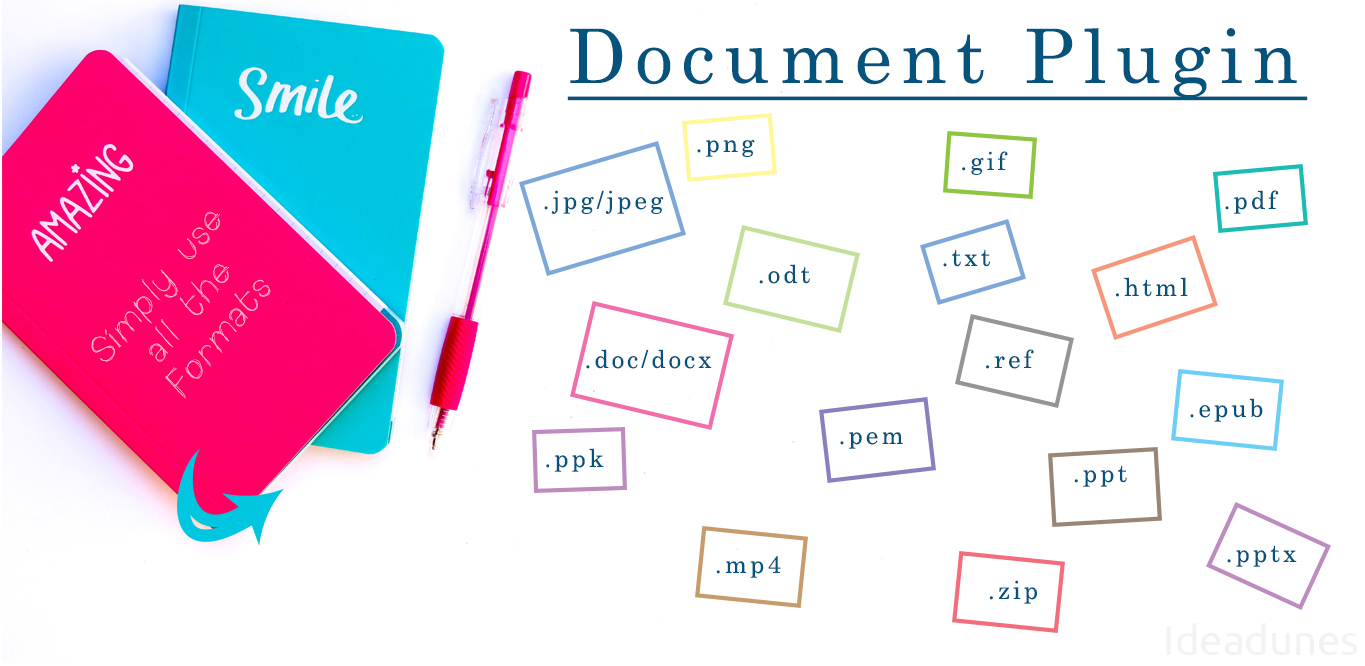
Add the ability to not only upload multiple files, but also the ability to preview different file types right from inside SuiteCRM. Supports many file types such as PDF, Word Docs, TXT, PNG, JPG, and more.