

Protect SuiteCRM User Passwords and Confidential Information
The Password Datatype add-on works as a display password field type that shows generic dots instead of actual password characters, enabling SuiteCRM users to secure and prevent visibility to their login credentials or other sensitive information.
4 Tips to Simplify Email Marketing with Automation
People often choose Mailchimp because of its drag and drop campaign building tools. Many teams really benefit from being able to send Mailchimp campaigns based on data in SuiteCRM, but keeping that data updated between the two platforms can be a complicated nightmare.
Quickly Search by Keyword in Individual SuiteCRM Modules
The MTS Quick Search add-on helps SuiteCRM users save time with the ability to search for important information using keywords in individual modules instead of the standard search field and global search features.
Improve SuiteCRM Security at Log In with Google Authenticator
Implement the power of Google Authentication features in your SuiteCRM platform for improved security.
Search by SuiteCRM Account Fields for More Relevant Results
Search for data using the various account fields in related modules with the Accounts Search add-on for SuiteCRM.
Random Spotlight
-
MTS SubPanel Search

MTS SubPanel Search makes it easy to QUICK SEARCH ANY INFORMATION IN A SUBPANEL. Because you can filter searches right from any subpanel you can drill down to the exact record you need in little time. This gets you back to focusing on the real business value task on hand.

-
vMyRoleHomePage
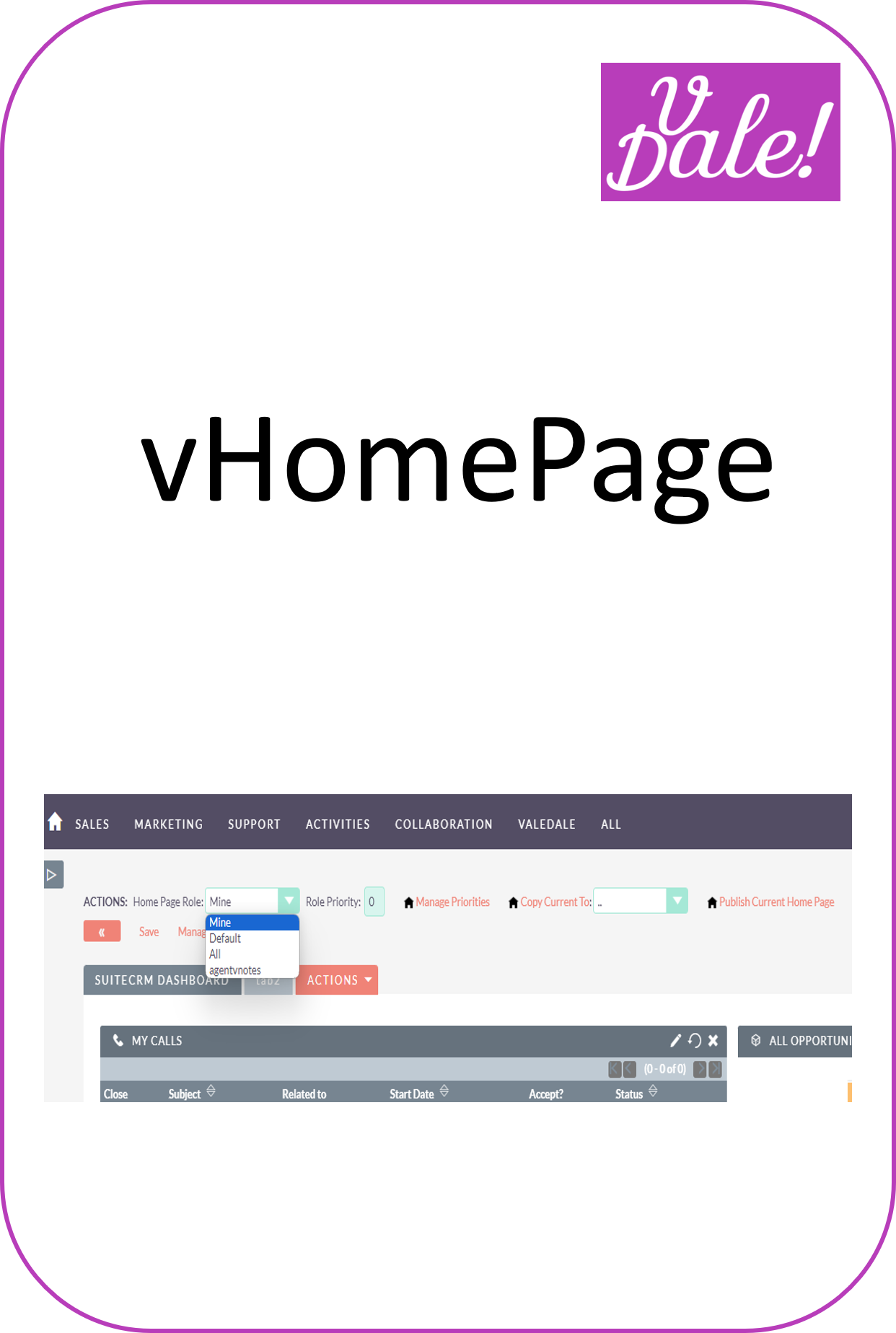
vMyRoleHomePage increases the productivity of SuiteCRM users by standardizing homepages among people with the same role and adding tools to the standard homepage. You can allow users to add personal tabs to their role homepages (or not).
-
Sales Quotas

Define Quotas for your Sales Reps and visualize achievement and forecast.
- Show more addons