

Boost Your Small Business with a SuiteCRM Customer Portal: A Detailed Analysis
Every small business nowadays competes to meet and surpass client expectations. For this reason, many companies are investing in client portals. Regardless of your industry—healthcare, banking, or anything in between—the SuiteCRM client portal can help you customize your marketing, sales, and customer support procedures to fit your business's particular rhythms.
Mastering the Art of Delivering Difficult News
As a customer support agent, you know that bad news is hard to convey to a customer. In this article, we’ll cover 5 important steps to communicating tough news to customers without breaking their confidence in your company.
How a Customer Portal for SuiteCRM Improves Service and Support
For a business dipping its toes in streamlining its operations, SuiteCRM gives the most value. It is feature packed and built robustly, so users need not worry about things breaking, and they can get hands-on experience with using a CRM. Let’s look at some of the benefits of SuiteCRM to see how it can fit into a company’s workflow and make it better.
Try These 3 Engaging Automated Email Campaigns
It’s no secret that automated campaigns are one of the best ways to engage your subscribers and increase your reach. The team at Fanatical Labs will cover 3 excellent email campaigns you can start now to boost your marketing and increase sales.
SuiteCRM Travel Portal: How Everyone Wants to Plan a Trip
The travel industry is flourishing and now is the right time to take your company to the market. Here’s a basic guide that can help you do just that using the power of a Customer Portal for SuiteCRM.
Random Spotlight
-
Account 360-degree View
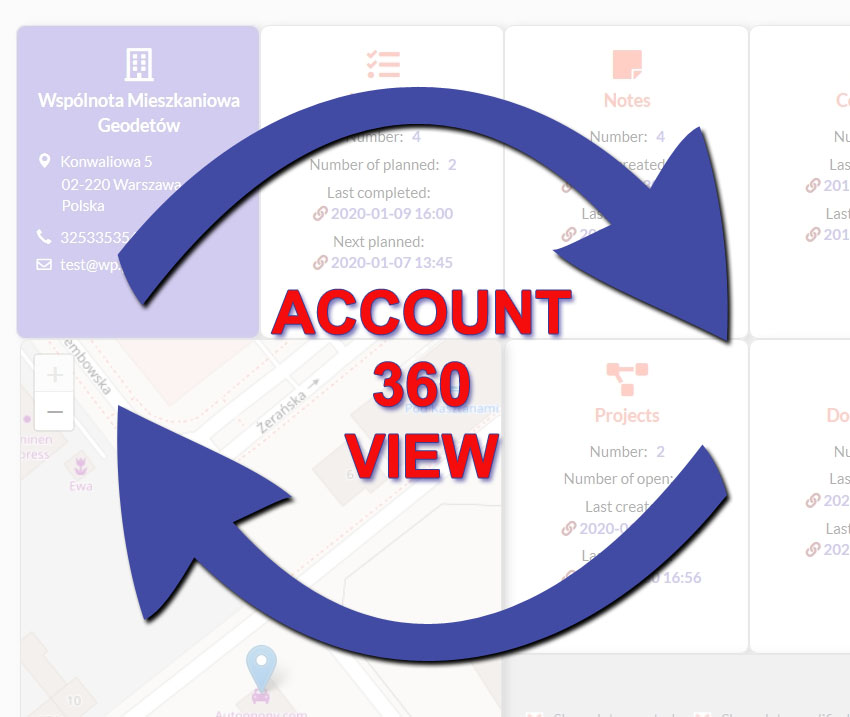
Give users a summary of important entries connected to their accounts with the Account 360-degree View add-on for SuiteCRM. Track the number of completed and planned activities, status of projects, sales opportunities and more per account. The view also contains a map showing the account’s locatio...
-
Jotform Integration

Jotform Integration allows you to configure the Jotform form builder application with SuiteCRM, so data submitted via forms gets automatically updated with your CRM.
-
Fields Color

SuiteCRM Fields Color add-on allows you to display color-coded fields based on specific conditions set for the record so you can quickly identify CRM records that need attention. In Settings, configure colors for each module and specify Text, Background, and Related Record Colors.
- Show more addons