


Meet the next edition of MTS History Time Line
If you are new to MTS History Time Line by SuiteCRM Addon, this helpful add-on enables you to define key business events for your business, then keep track of them in a single timeline view. The developers of this 5-star rated solution just released the latest 2.0 version, which includes some excellent updates and additions that help improve the overall user experience.
Version 2.0 Features Update Includes:
- Modern user interface with simple formatting that keeps all important information organized
- New user avatar appears to quickly identify the owner of each activity
- Users can now configure to show timeline as a subpanel
- Add-on compatible with mobile, tablet, and desktop devices
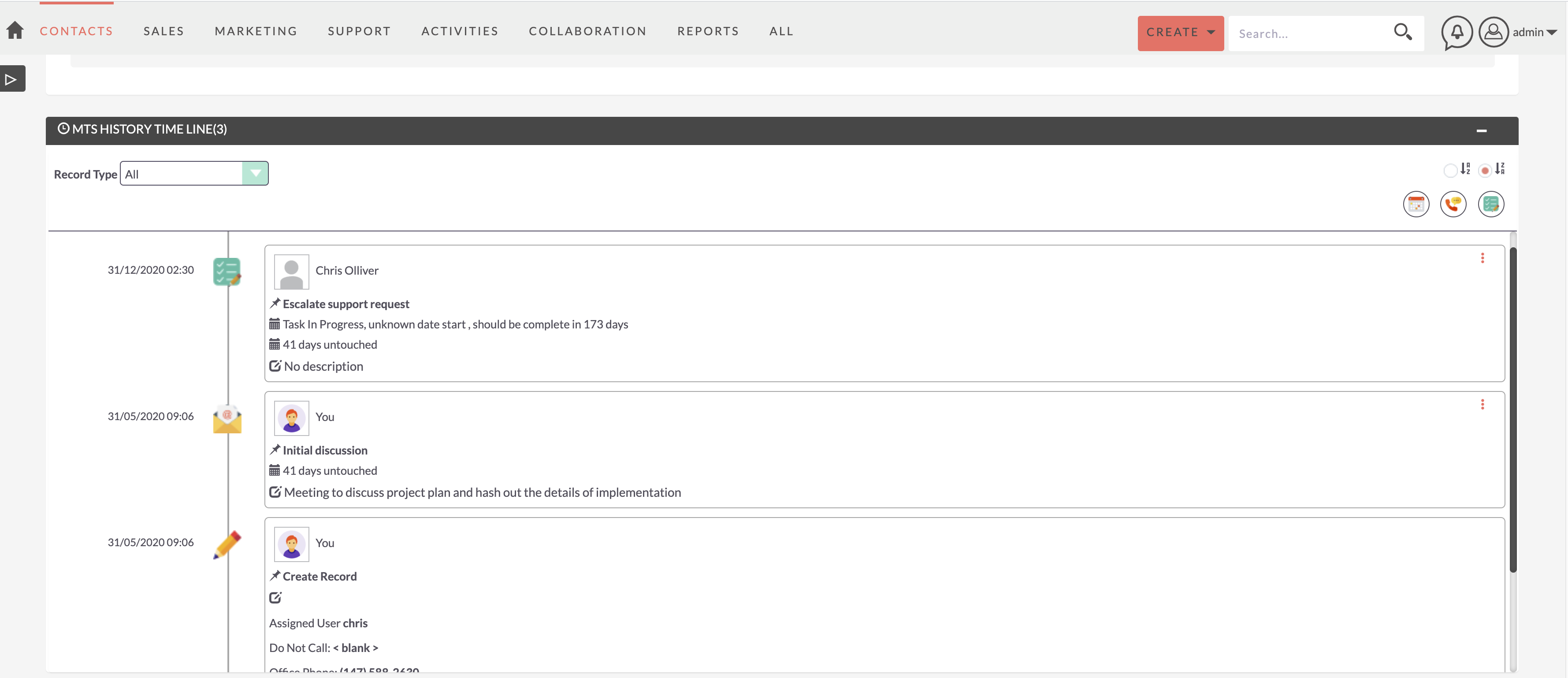
MTS History Time Line 2.0 update supports more options to display in the subpanel. To change the display option, go to the configuration page, then set 'Display as' as panel or subpanel. The default view is subpanel.
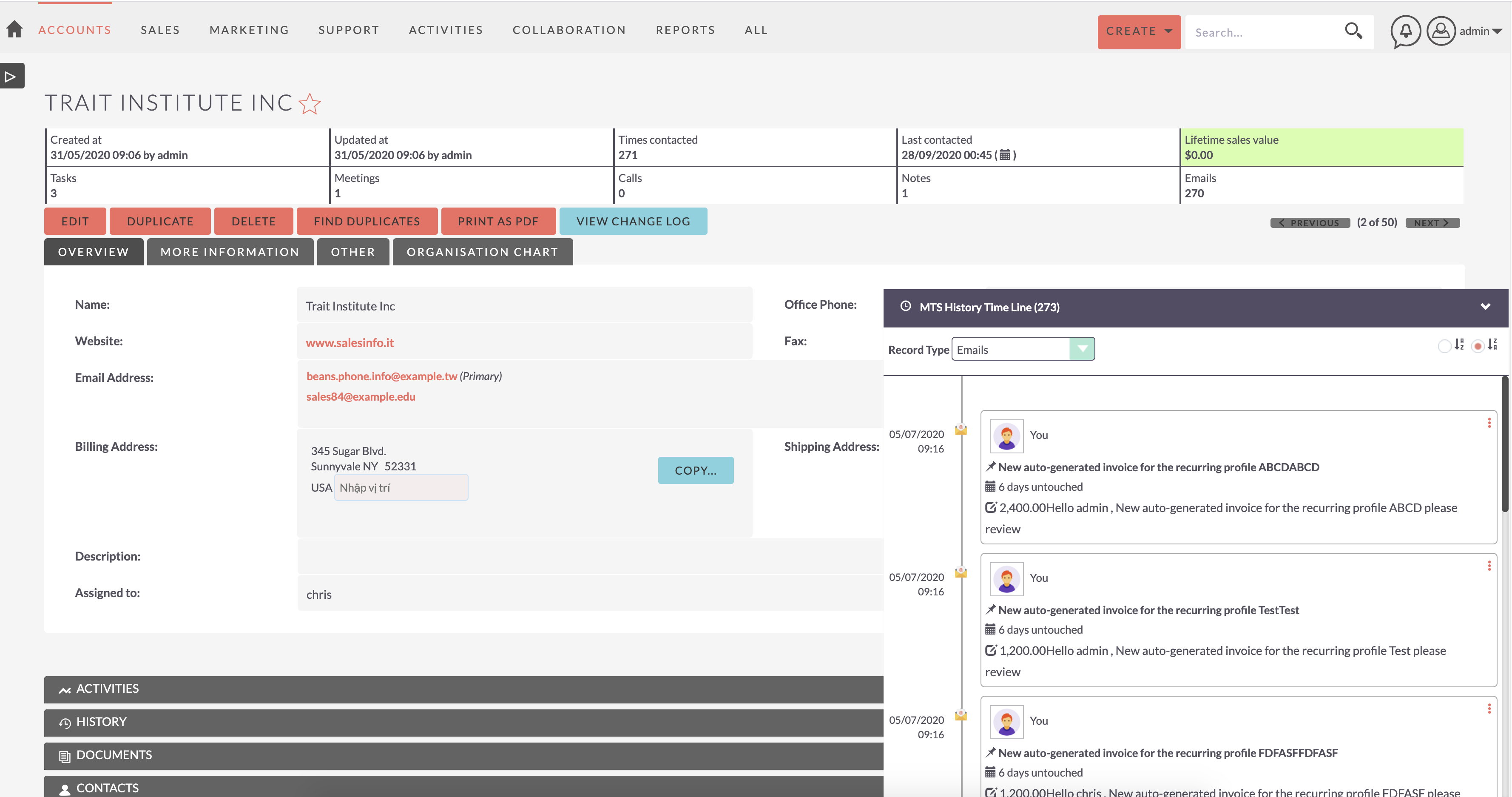
Learn more about this solution and its latest updates in the product page Release Notes.


-
Sales Commissions

Calculate Sales Commission - Incentives for your Team or Individually.
-
Account 360-degree View
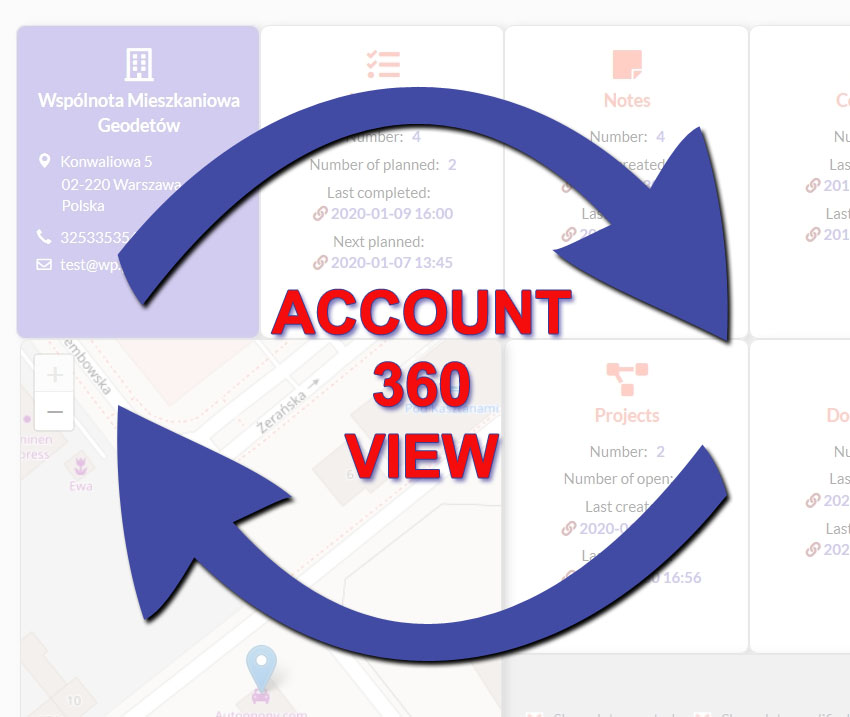
Give users a summary of important entries connected to their accounts with the Account 360-degree View add-on for SuiteCRM. Track the number of completed and planned activities, status of projects, sales opportunities and more per account. The view also contains a map showing the account’s locatio...
- Show more addons