


Optimize routes, reduce travel time, and increase daily customer visits — directly inside SuiteCRM.
Plan field activities faster, help sales reps perform 2–3 more visits per day, and stop wasting time driving between unstructured meetings.
Troubleshooting
No pins on map - Ensure Accounts/Leads have complete addresses or lat/long. - Increase radius (e.g., 25–40 km). - Check user role permissions.
UI issues or missing buttons
- Clear browser cache.
- Admin → Repair → Rebuild JS Grouping Files, then Quick Repair and Rebuild.
- Verify file permissions after deployment.
-- Typical file permissions on a *nix-like system (eg. Ubuntu) are:
sudo chown -R www-data:www-data .
sudo chmod -R 755 .
sudo chmod -R 775 cache custom modules themes data upload
sudo chmod 775 config_override.php
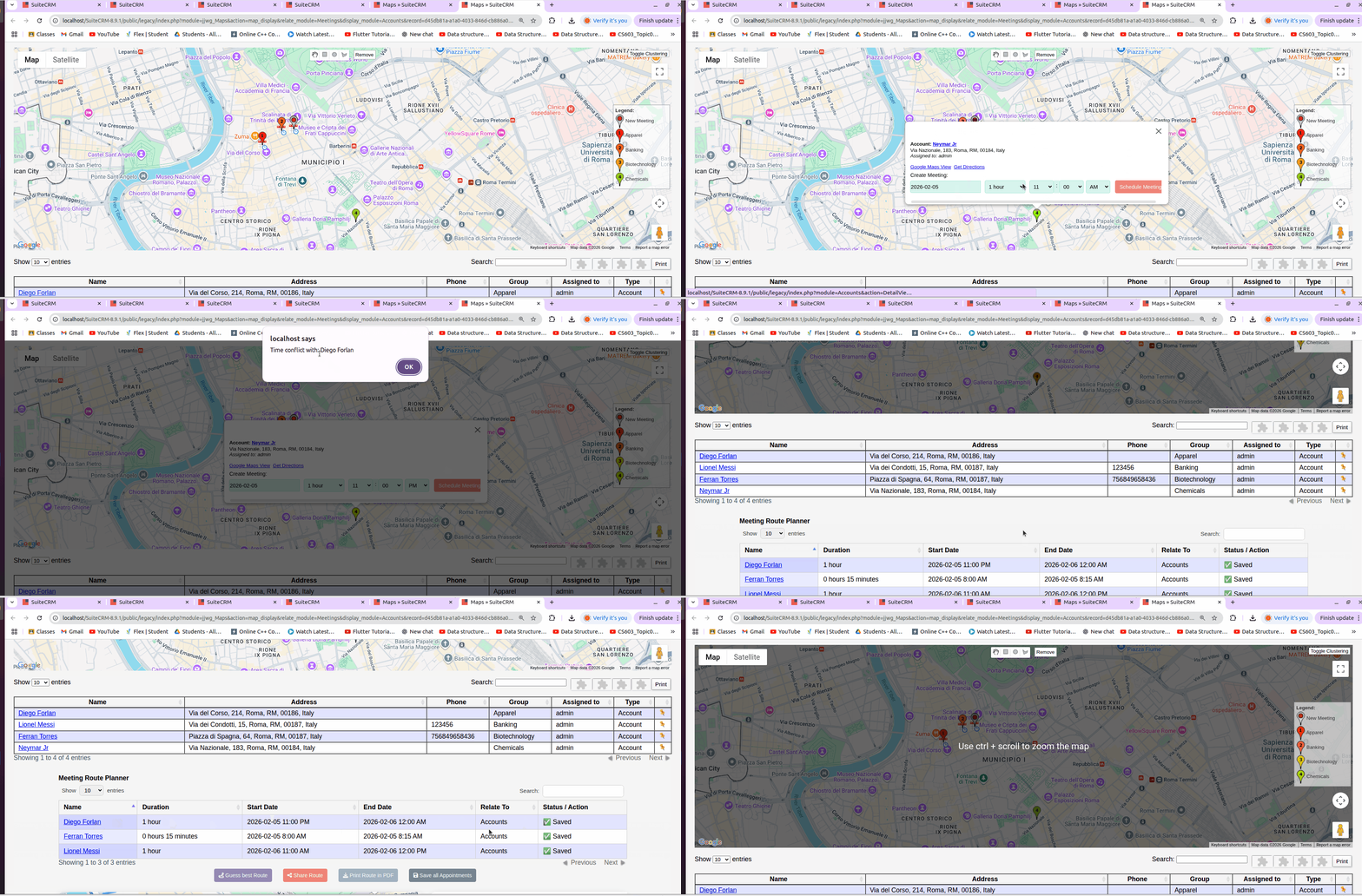
Meetings not saved
-- Check for conflicts in the start or end date
PDF not generated - Confirm PHP PDF libraries are available. - Check web server / PHP error logs.
Next: Exporting and Sharing
 Saving Comment...
