


The MTS Activity Stream add-on enables users to view a list of activities performed on records. By using this solution, users can see who has updated important information on a CRM record and avoid making duplicate actions. Also, this feature helps admin monitor other users’ activities by reviewing their actions in the CRM.
Admin Guide
Configuration
Go to Admin > MTS Activity Stream Settings

Drag & drop to enable or disable for modules you want
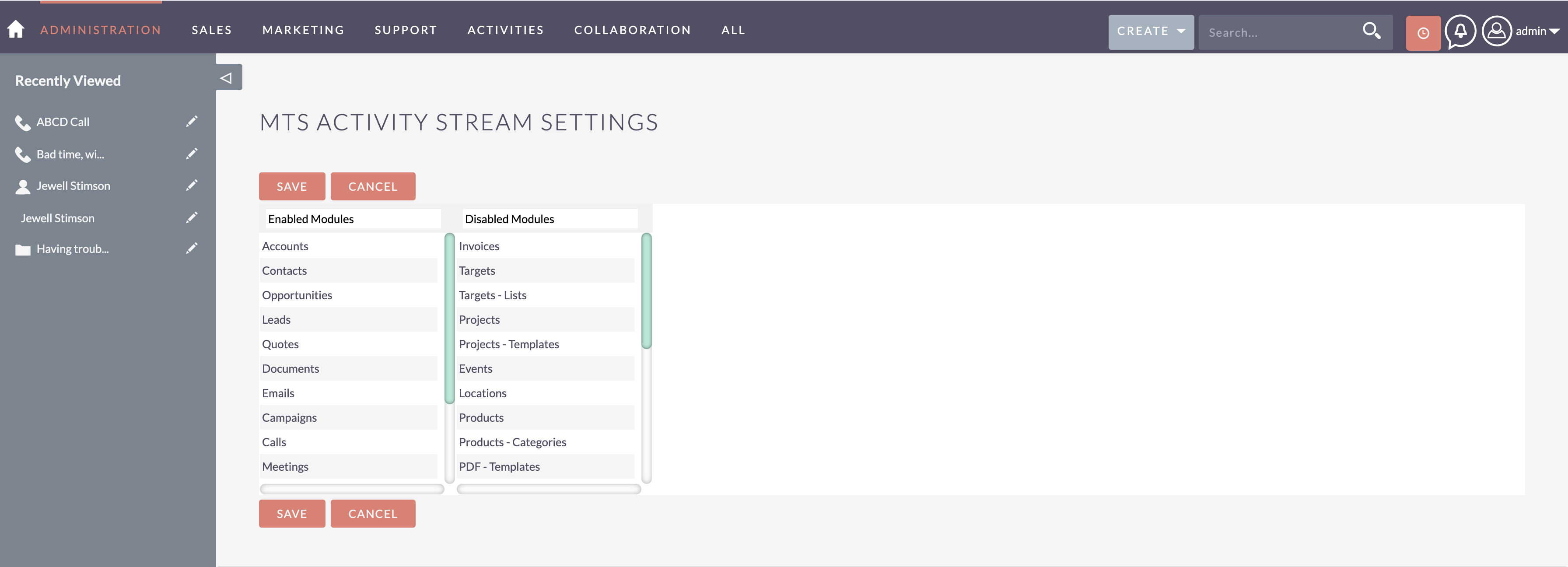
- Hit 'Save'
 ghansen

3 weeks ago
To change the settings for the MTS Activity Stream, log in as an administrator. You will see a list of the SuiteCRM parts. You can move modules from the "disabled" list to the "enabled" list by dragging and dropping them driving directions This makes it possible for the activity stream to show changes for those records.