

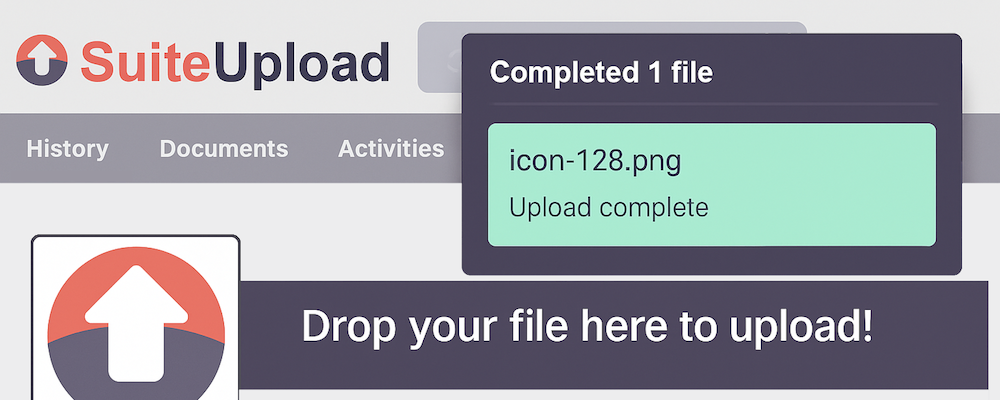
Instantly upload files and emails to SuiteCRM by dragging from your desktop or Outlook — including the New Outlook app.
FAQ
FAQ
General Questions
Q: What file types can I upload? A: Any file type can be uploaded. The module does not restrict file types.
Q: Which Outlook versions are supported? A: Both Classic Outlook (desktop application) and New Outlook (web and Windows app) are supported. Classic Outlook provides .msg files directly. New Outlook requires Microsoft Graph API configuration.
Q: Do I need the browser extension? A: Yes. The browser extension creates the drop zones on SuiteCRM pages and handles the drag-and-drop events.
Q: Which browsers are supported? A: Google Chrome and Microsoft Edge (Chromium-based).
Licensing Questions
Q: How does per-user licensing work? A: Administrators select which users can use the module from the admin panel. Only selected users can upload files and emails.
Q: What happens if my license expires? A: The upload functionality will be disabled, but SuiteCRM will continue to work normally. Renew your license to restore functionality.
Q: Can I change which users are licensed? A: Yes. Go to Administration > Browser Upload and update the user selection at any time.
Technical Questions
Q: Why do I need Microsoft Graph API for New Outlook? A: The new Outlook app doesn't provide email files when you drag them. Instead, it only provides a reference ID. The Graph API fetches the actual email content using that reference.
Q: Is my email data secure? A: Yes. Email content is fetched directly from Microsoft 365 to your SuiteCRM server. No data passes through third-party servers.
Q: Why isn't the drop zone appearing? A: Check that: 1. The browser extension is installed and enabled 2. You're on a SuiteCRM record page (not list view) 3. Your user is in the licensed users list
Q: Emails aren't linking to Contacts/Accounts? A: The module matches email addresses. Ensure your Contacts and Accounts have the correct email addresses stored.
 Saving Comment...
