

Instantly upload files and emails to SuiteCRM by dragging from your desktop or Outlook — including the New Outlook app.
Drag & Drop File and Email Uploader
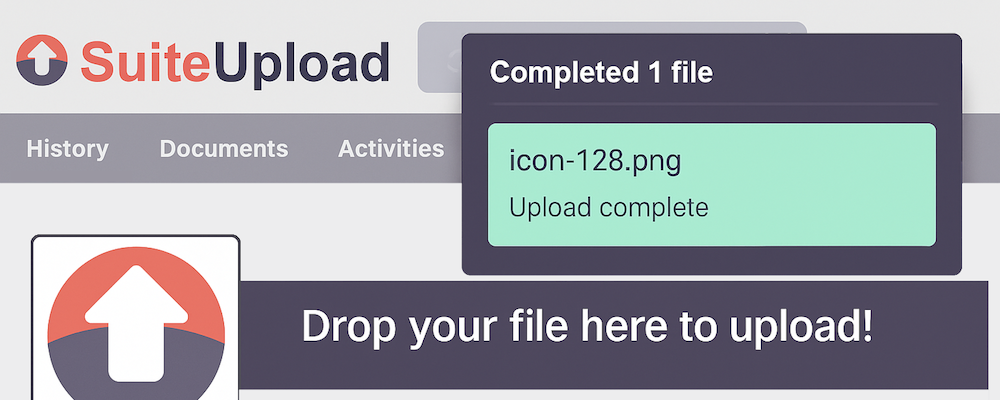
Simply drag and drop files and emails directly into SuiteCRM from your browser.
Transform how your team captures important documents and communications. Browser Upload enables seamless drag-and-drop functionality from your desktop and email client directly into SuiteCRM records — no more downloading, navigating, and uploading files manually.

Key Features
Drag & Drop File Upload
Simply drag files from your desktop or file explorer and drop them onto any SuiteCRM record. Files are instantly uploaded and linked to the record you're viewing.
- Works with any file type
- Automatic document creation and linking
- Visual drop zone appears when dragging files over records
Email Integration
Drag emails directly from Outlook into SuiteCRM to automatically create linked Email records.
Supported Email Sources:
- Microsoft Outlook Desktop (Classic) — .msg files
- Standard email files — .eml format
- New Outlook (Web & Desktop App) — via Microsoft Graph API
Intelligent Email Processing
When you drop an email onto a record, the module automatically:
- Extracts subject, sender, recipients, date, and body
- Creates a complete Email record in SuiteCRM
- Links the email to the parent record (Opportunity, Account, Contact, etc.)
- Identifies and links related Accounts and Contacts based on email addresses
- Extracts and saves all attachments
- Adds (Sent) or (Received) prefix based on your organisation's users
Microsoft Graph API Integration
The new Outlook (both web and desktop app) doesn't support traditional drag-and-drop of email files. Our Graph API integration solves this by fetching emails directly from Microsoft 365 when users drag from New Outlook.
How it works: 1. User drags an email from New Outlook onto a SuiteCRM record 2. The extension detects New Outlook and captures the email reference 3. SuiteCRM securely fetches the full email via Microsoft Graph API 4. The email is processed and linked exactly like a traditional drag-and-drop
Benefits
| For Users | For Administrators |
|---|---|
| Save time on repetitive file uploads | Centralised configuration in Admin panel |
| Keep all communications linked to records | Secure Azure AD authentication |
| No training required — just drag and drop | Debug logging for troubleshooting |
| Works with existing workflows | Easy Module Loader installation |
Supported Modules
Browser Upload works with any SuiteCRM module that supports document relationships, including:
- Opportunities
- Accounts
- Contacts
- Leads
- Cases
- Projects
- And more...
Security
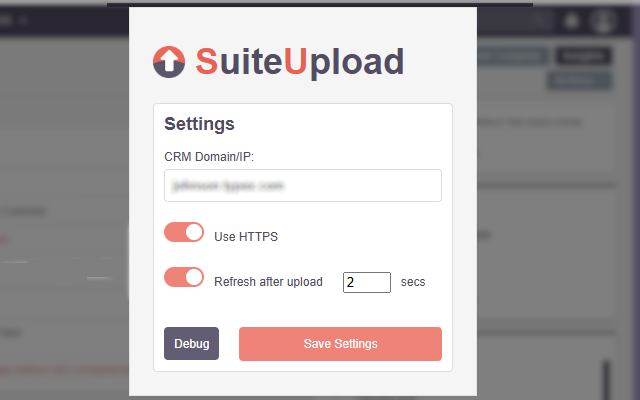
- All credentials stored securely in SuiteCRM configuration
- Azure AD authentication using OAuth 2.0 client credentials flow
- No email content stored outside your SuiteCRM instance
- Optional access token caching for improved performance
- Full audit trail through SuiteCRM's standard logging
Support
For support enquiries, please contact: suitecrm@typex.com
