


This post was contributed by Mien Trung Software, a SuiteCRM add-on developer with over 20 plugins focused on productivity, workflow, and administration tools.
SuiteCRM 8 ships with a clean, modern interface — but "clean and modern" also means "the same look as every other SuiteCRM 8 instance." For businesses that care about brand consistency, the default theme creates an awkward gap between the polished, branded tools their team uses elsewhere and a CRM that looks identical to the stock installation. And for users who simply find the default color scheme hard to work in for eight hours a day, there is no built-in way to change it without editing code.
SuiteCRM 8 Theme Editor by Mien Trung Software gives administrators a visual interface to customize the look of their SuiteCRM 8 instance — colors, branding, sidebar styling, and more — without touching a single line of CSS or configuration file.
Visual Customization Without Code
The Theme Editor provides a point-and-click admin panel where you select colors, upload logos, and preview changes in real time. Every major UI element is configurable: the top navigation bar, the sidebar, buttons, links, module headers, table rows, and backgrounds. You make your selections, see them reflected immediately, and apply when you are satisfied.
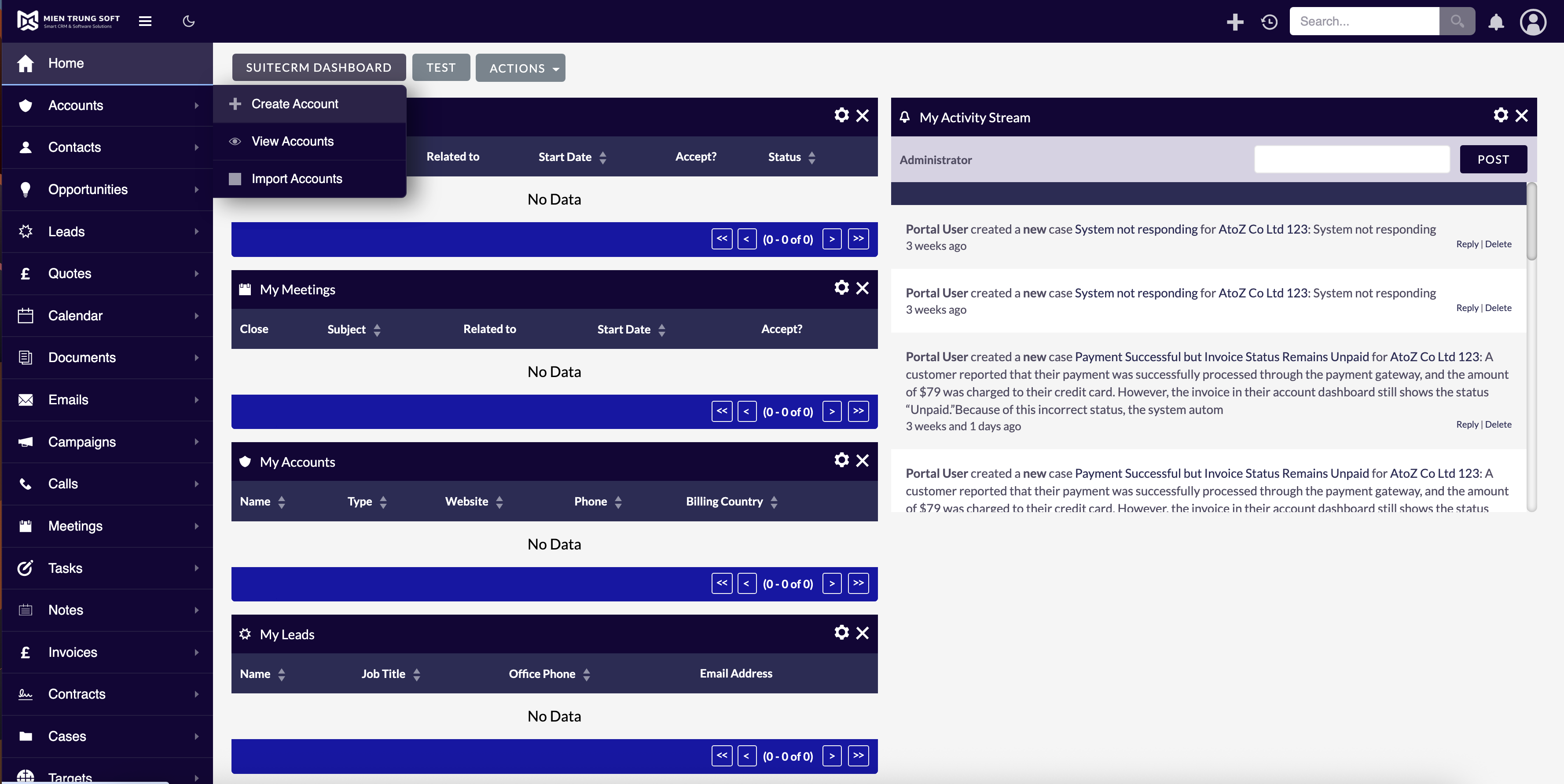
This matters because the alternative — manually editing SCSS files, recompiling assets, and testing across browsers — is a task most administrators either cannot do or do not have time for. The Theme Editor reduces what would be a developer-level task to something an admin can accomplish in minutes.
Make SuiteCRM Look Like It Belongs to Your Organization
For companies that have invested in a visual brand — specific colors, logos, fonts, and design language — every internal tool that does not match creates a small friction point. It signals "third-party software" rather than "our system." This is not just a vanity concern. When a CRM looks and feels like part of the organization's toolkit, user adoption improves because the system feels intentional rather than bolted on.
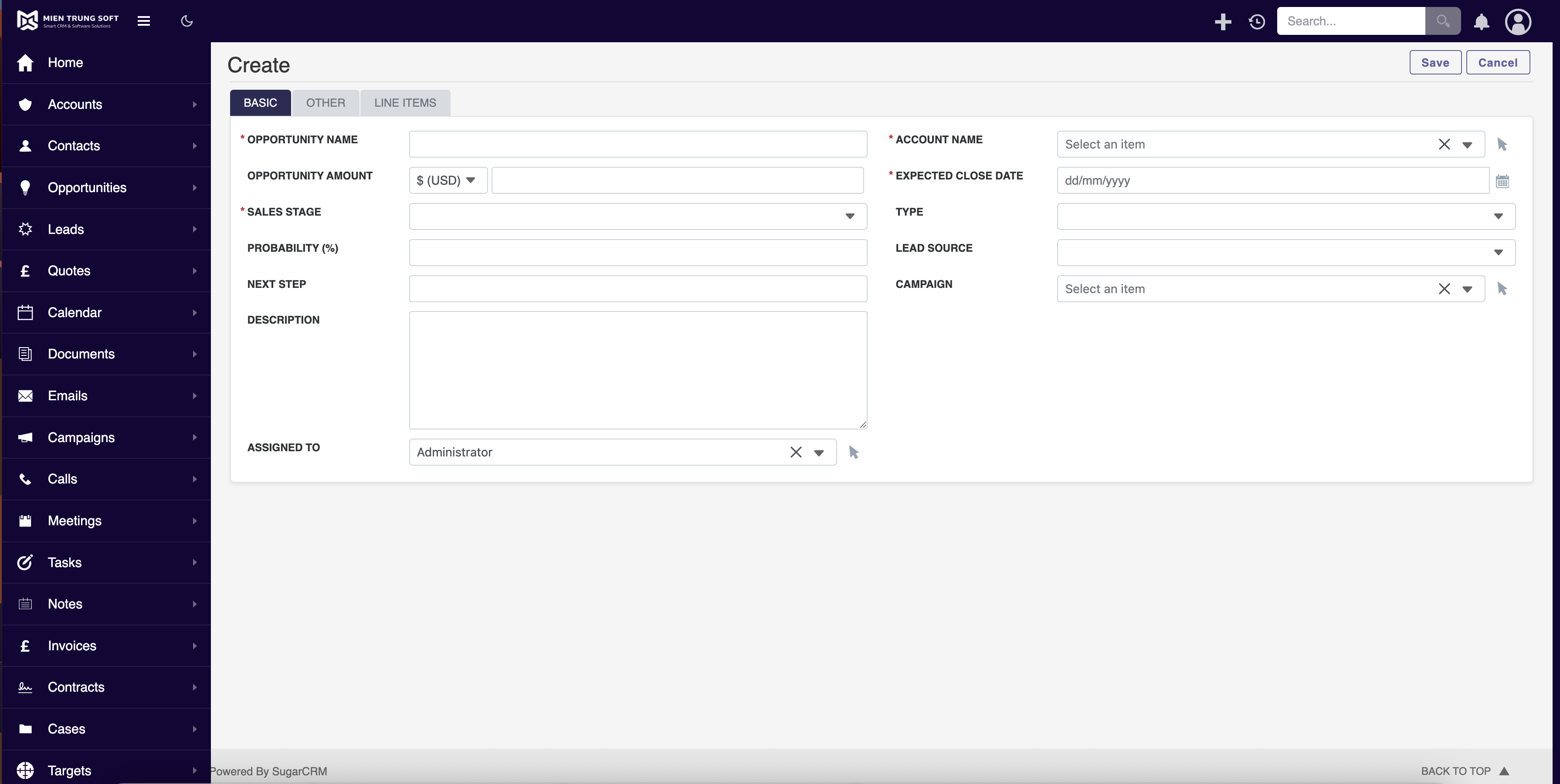
The Theme Editor lets you align SuiteCRM's appearance with your brand standards. Match your sidebar to your company's primary color. Use your logo in the navigation bar. Set accent colors that echo your brand palette. The result is a CRM that looks like it was built for your organization specifically, which goes a long way toward user buy-in, especially during initial rollouts where first impressions shape long-term adoption.
Dark Mode and Accessibility
Not every user works best with a bright white interface. The Theme Editor supports dark theme configurations, which reduce eye strain for users who spend long hours in the CRM and work particularly well in low-light environments. You can create a dark theme as the system default or offer it as an alternative for users who prefer it.
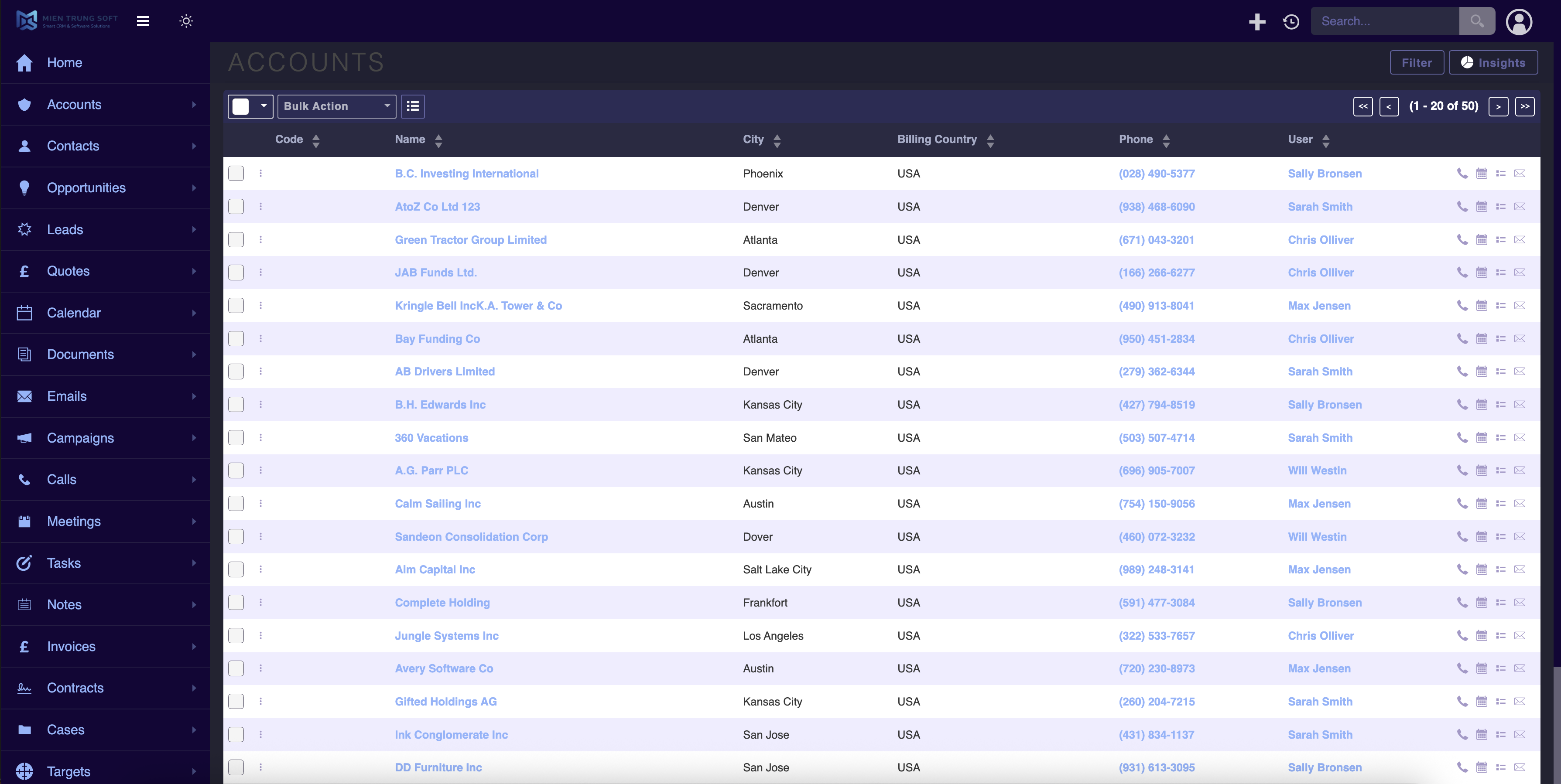
Beyond aesthetics, color customization also has accessibility implications. Users with certain visual impairments benefit from higher contrast ratios or specific color combinations. The Theme Editor gives you the control to adjust these settings without waiting for an upstream SuiteCRM release to address accessibility concerns.
Manage Multiple Themes
The Theme Editor is not limited to a single look. Administrators can create and save multiple theme presets, making it easy to switch between configurations. This is useful for organizations that want different looks for different teams, seasonal branding updates, or simply the ability to experiment with new designs without losing the current one.
Saved themes can be exported and imported, so if you manage multiple SuiteCRM instances — development, staging, production — you can create a theme once and deploy it across environments without reconfiguring each one manually.
No Core Modifications Required
The Theme Editor works as an overlay on top of SuiteCRM 8's existing styling system. It does not modify core files, which means your customizations survive SuiteCRM upgrades. When a new version of SuiteCRM 8 is released, you update normally and your theme settings remain intact.
The add-on supports SuiteCRM 8.2.0 through 8.9.3 and installs through the standard module loader.
To learn more about this solution, go to SuiteCRM 8 Theme Editor or search for "theme editor" on the marketplace.
-
SuiteCRM Calendly Integration
The integration of SuiteCRM and Calendly offers a seamless solution for efficient appointment scheduling and customer relationship management. It simplifies workflows, enhances customer engagement, and delivers valuable insights, ultimately improving the overall customer experience and boosting the ...

-
MultiEntryTextField

NEW multiple text line entry field for all modules, comparable to the current Email field. Available as a formatted list field in PDF templates using both drop down value AND text values or just the the text value. BONUS mass update for ALL text fields included. If you require customisation, don&#...
-
SuiteUpload - Drag + Drop File and Email Uploader
Instantly upload files and emails to SuiteCRM by dragging from your desktop or Outlook — including the New Outlook app.
- Show more addons