

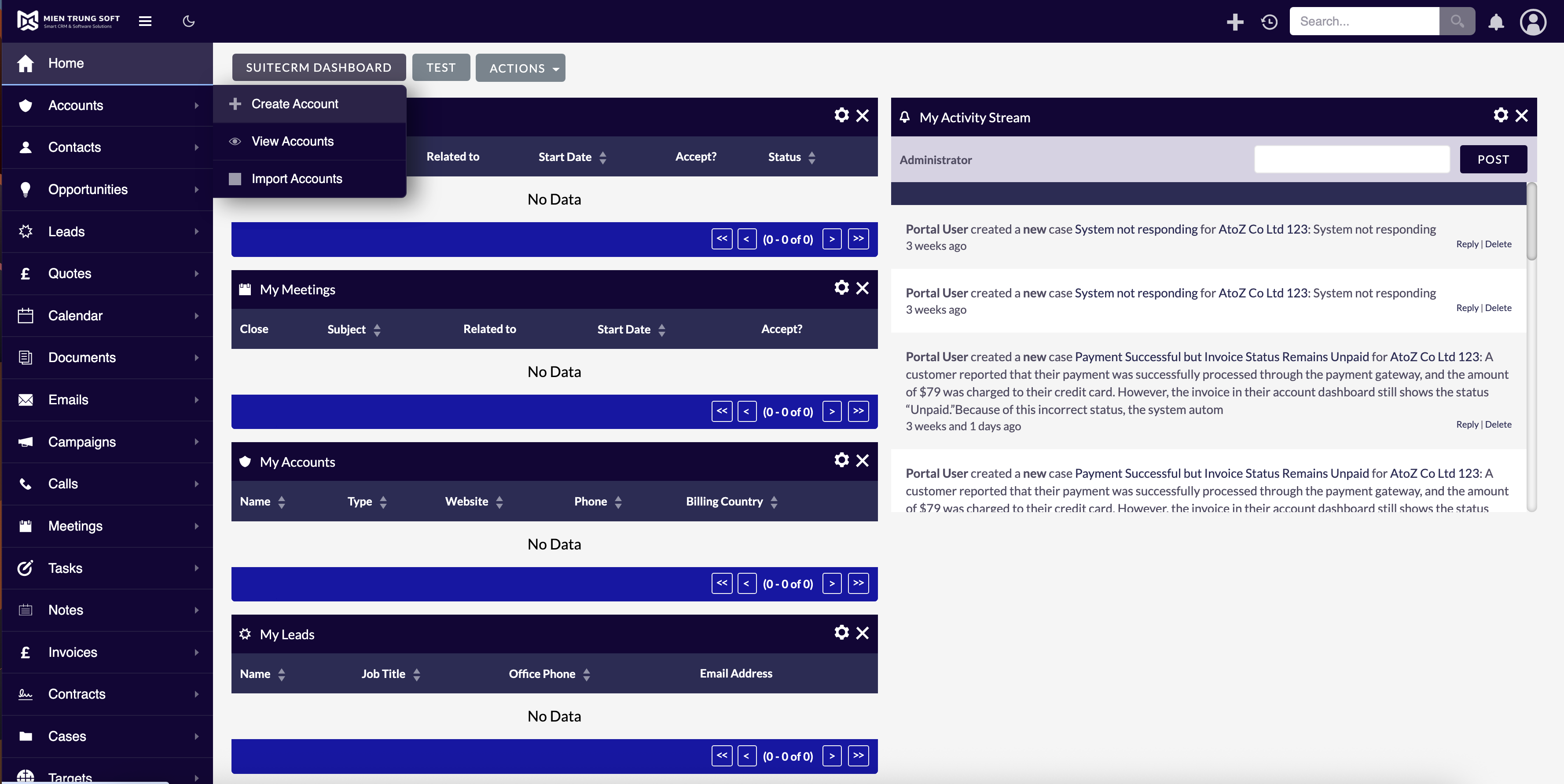
Unleash the power of customization and elevate your SuiteCRM experience with MTS SuiteCRM 8 Theme Editor. Unlimited colors, responsive design, no code needed, load theme by security group, enable sidebar menu, and other awesome features.
UPDATED 23.06.2026 MTS Sidebar Nav — Features (v1.2.0)
Per–Security-Group theming for SuiteCRM 8. Define multiple themes, assign them to Security Groups, optionally mark one as Global, and the right theme is resolved automatically per user and injected into the page.
Feature overview
Record-based themes
- Each theme is a record in the MTS Sidebar Nav module (List / Create / Edit / Detail).
- A theme stores a full color + layout configuration (≈50 settings across 10 sections: Sidebar & Navbar, Primary & Buttons, Panels, Dashlets, List View, Tabs, Form & Inputs, Layout, Dark Mode).
- Manage from Admin → MTS Sidebar Navigation → Sidebar Nav Themes.
Automatic theme resolution
For each user, on every full page load: 1. Group theme — the user’s primary (or first) Security Group has an Active theme → use it. 2. Global theme — otherwise an Active theme marked Global → use it. 3. None — otherwise inject nothing → default SuiteCRM look.
No “mode” to configure — it’s fully automatic.
Global (default) theme
- Exactly one theme can be Global at a time.
- Used for users without a group theme and for the login page (no user context yet).
- Marking a theme Global shows a confirmation and automatically deactivates any previous Global theme.
Security Group assignment
- Assign a theme to one or more Security Groups via the Security Groups subpanel.
- Multi-group users resolve by primary group (deterministic fallback to earliest group).
Sidebar vs. default navbar (per theme)
- Enable Sidebar menu toggle per theme:
- On → left sidebar navigation layout.
- Off → standard SuiteCRM top navbar, with theme colors still applied.
Live preview in the editor
- The theme edit screen shows a live preview (navbar, panels, dashlet, list view, tabs, buttons, inputs, links) that updates instantly as you change colors.
Clone
- One-click Clone duplicates a theme into a new record (full config copy, Active, not Global) — so you never edit an original/global theme by accident.
Dark mode (per theme)
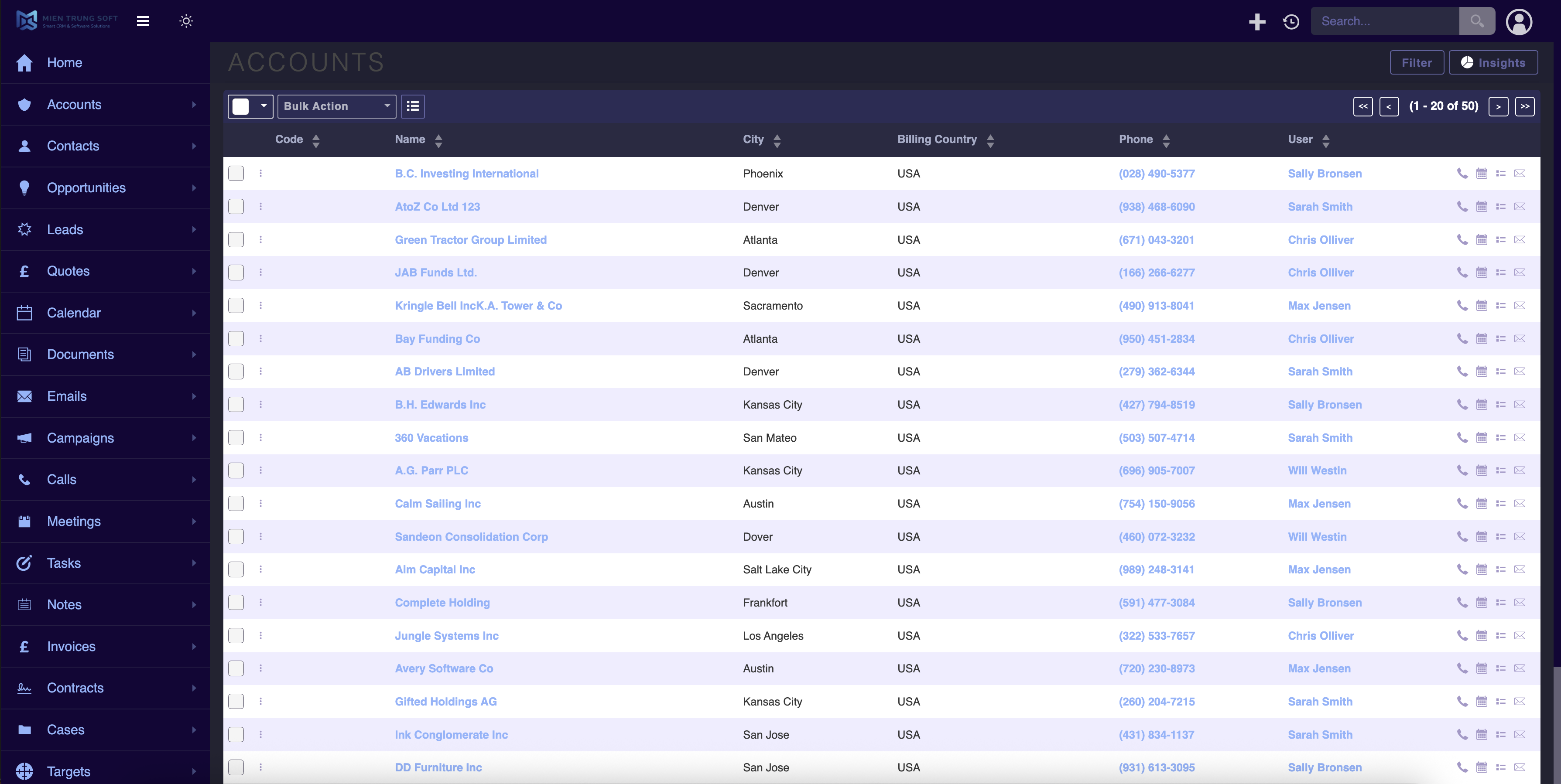
- Optional dark-mode toggle in the navbar, with an optional “on by default” setting.
UPDATED 12.05.2025 (New version include Side Menu, Dark mode and more options to change color)
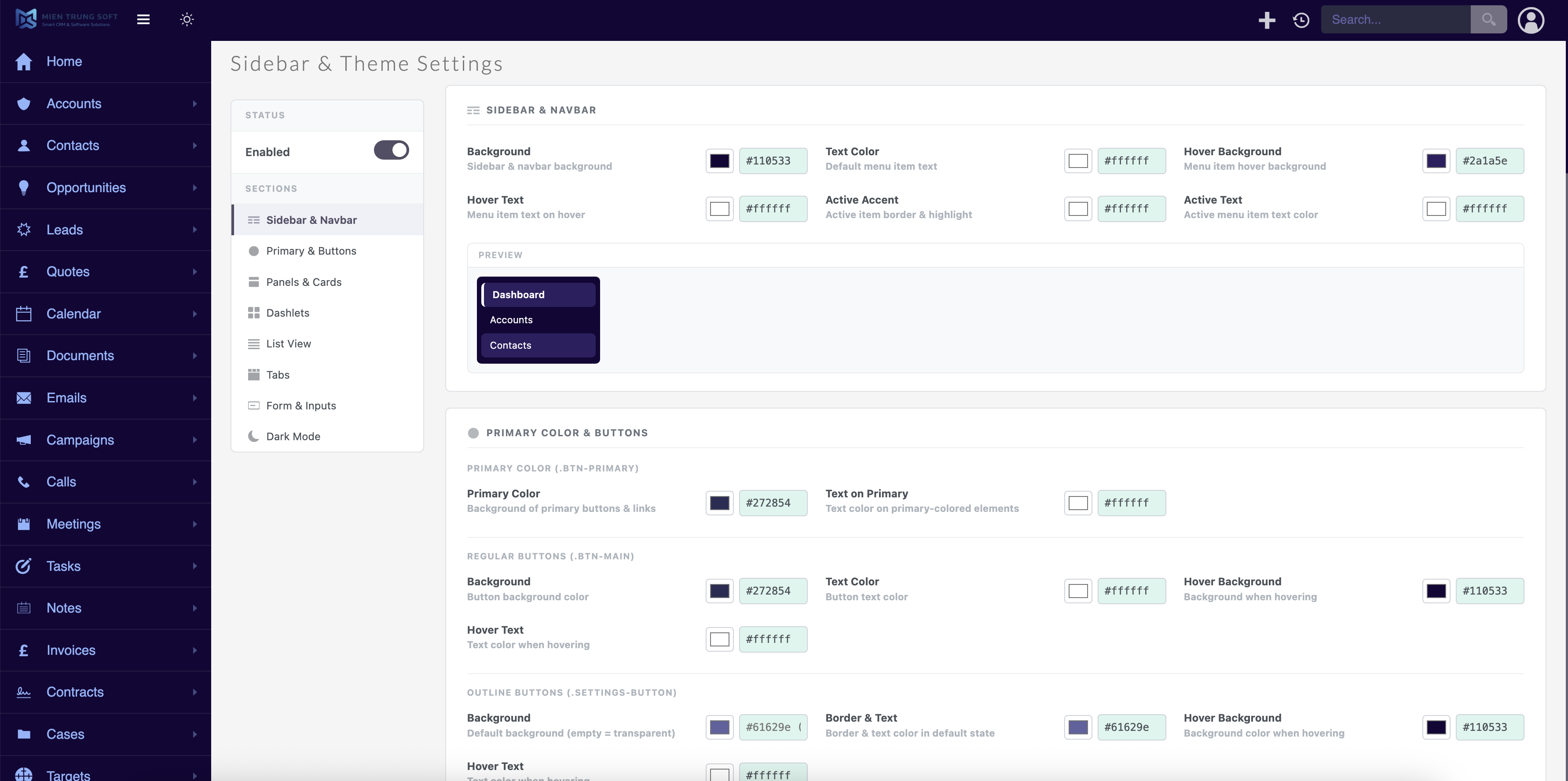
Personalize your SuiteCRM experience
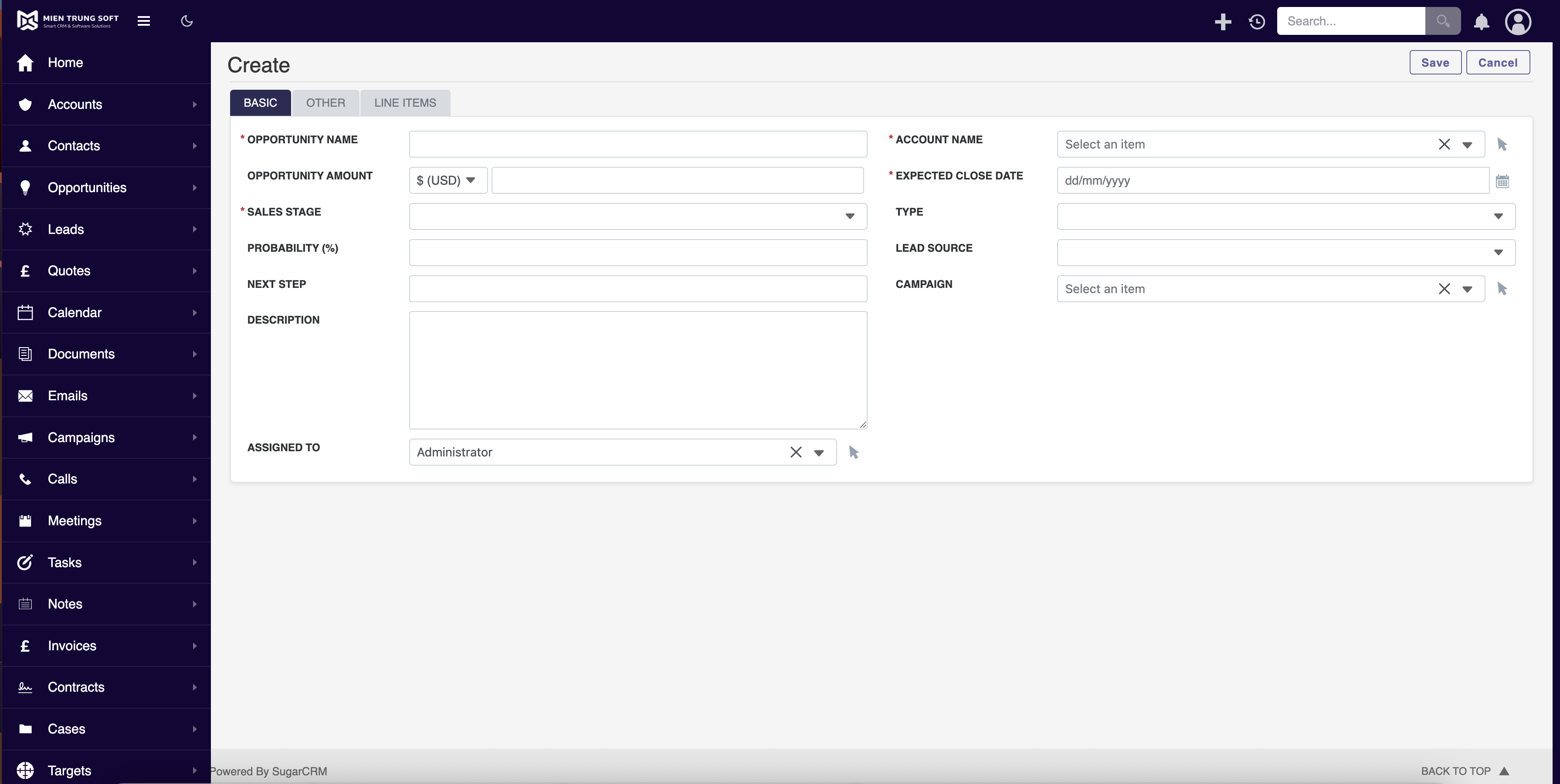
Are you tired of the same old SuiteCRM look and feel? Do you wish to add a personal touch to your CRM interface to match your brand colors or simply make it more visually appealing? Look no further! Introducing MTS SuiteCRM 8 Theme Editor – the ultimate plugin that empowers you to transform your SuiteCRM Version 8 into a personalized, vibrant work environment.
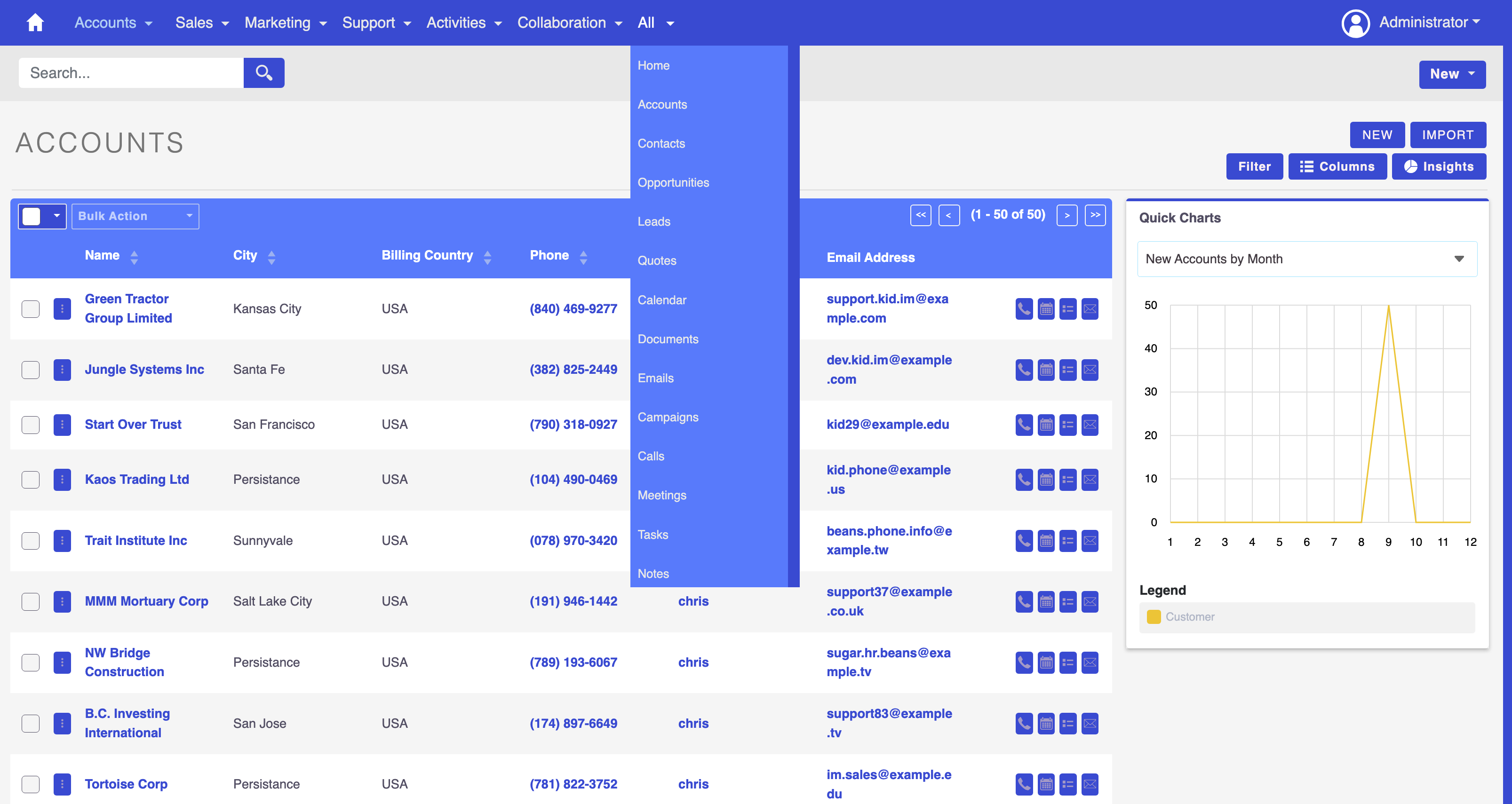
Key Features
Intuitive Color Customization
SuiteCRM 8 Theme Editor simplifies the process of theme customization with its user-friendly interface. Effortlessly change the color scheme to align with your corporate identity or personal preferences.
Unlimited Color Options
Enjoy a wide spectrum of color choices for different CRM elements such as headers, buttons, text, and more. Customize each aspect to create a cohesive and visually striking CRM experience.
Responsive Design
Whether you access SuiteCRM on your desktop, tablet, or smartphone, the themes created with SuiteCRM 8 Theme Editor ensure a seamless and consistent user experience across all devices.
No Coding Required
You don't need to be a coding wizard to create a stunning CRM theme. SuiteCRM 8 Theme Editor is designed for users of all levels, making it easy for anyone to personalize their SuiteCRM interface.
Save and Share Themes
Once you've crafted the perfect theme, save it for future use or share it with your team. Collaboration has never been more colorful!
Compatible with SuiteCRM Version 8
SuiteCRM 8 Theme Editor is tailored specifically for SuiteCRM V8, ensuring seamless integration and optimal performance with the latest CRM version.
Pricing
| Package | Price |
|---|---|
| Yearly | View Price |
| One Time | Contact us |
How SuiteCRM 8 Theme Editor Enhances Your CRM Experience
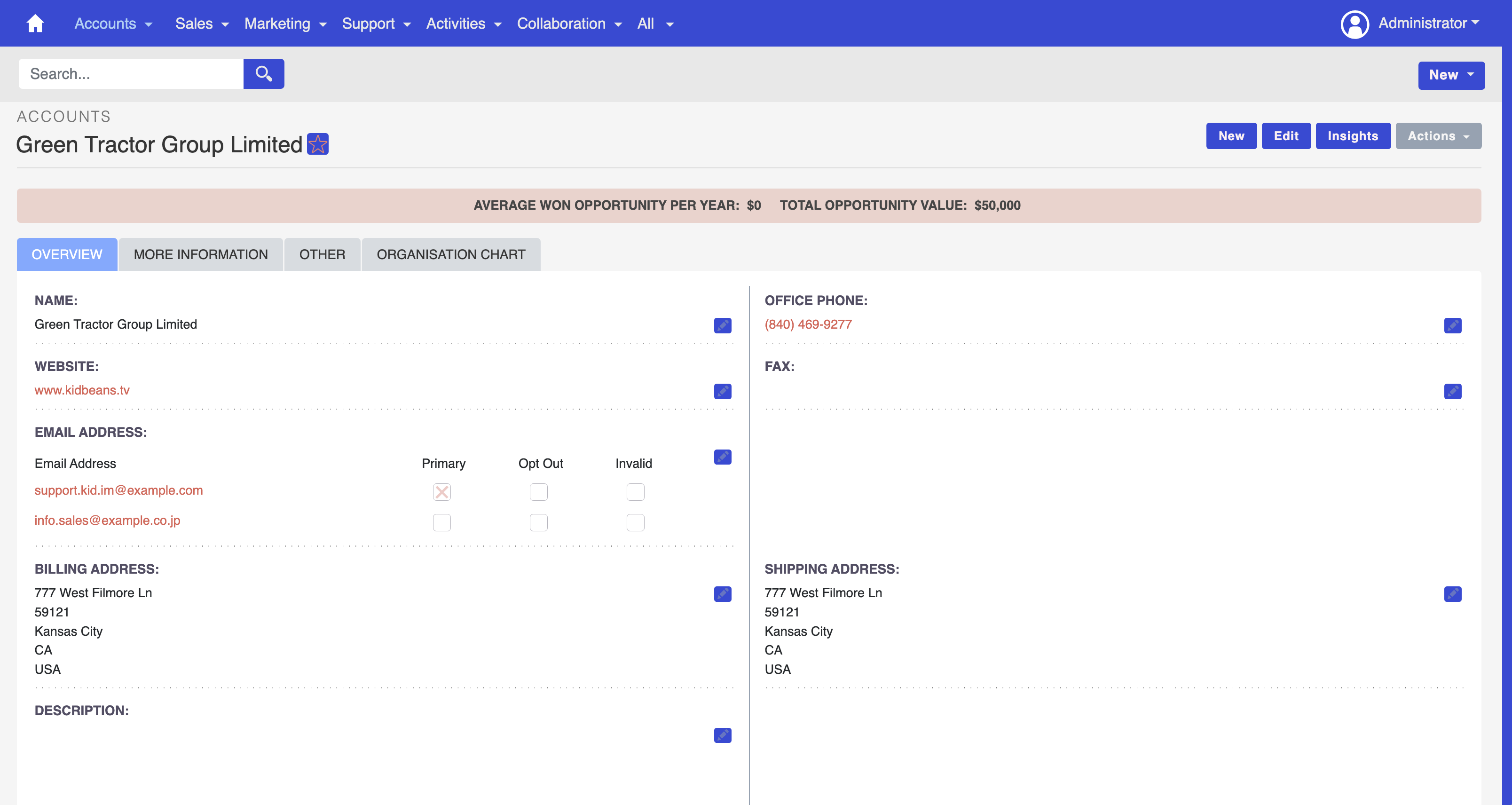
Branding
Reinforce your brand identity by incorporating your company's colors into the CRM interface, creating a unified brand experience.
User Adoption
A visually appealing interface enhances user experience, promoting higher user adoption rates and productivity within your organization.
Personalization
Tailor SuiteCRM to your personal preferences, fostering a workspace that reflects your unique style and workflow.
Professionalism
Impress clients and stakeholders with a CRM interface that exudes professionalism and attention to detail.
Get Started Today
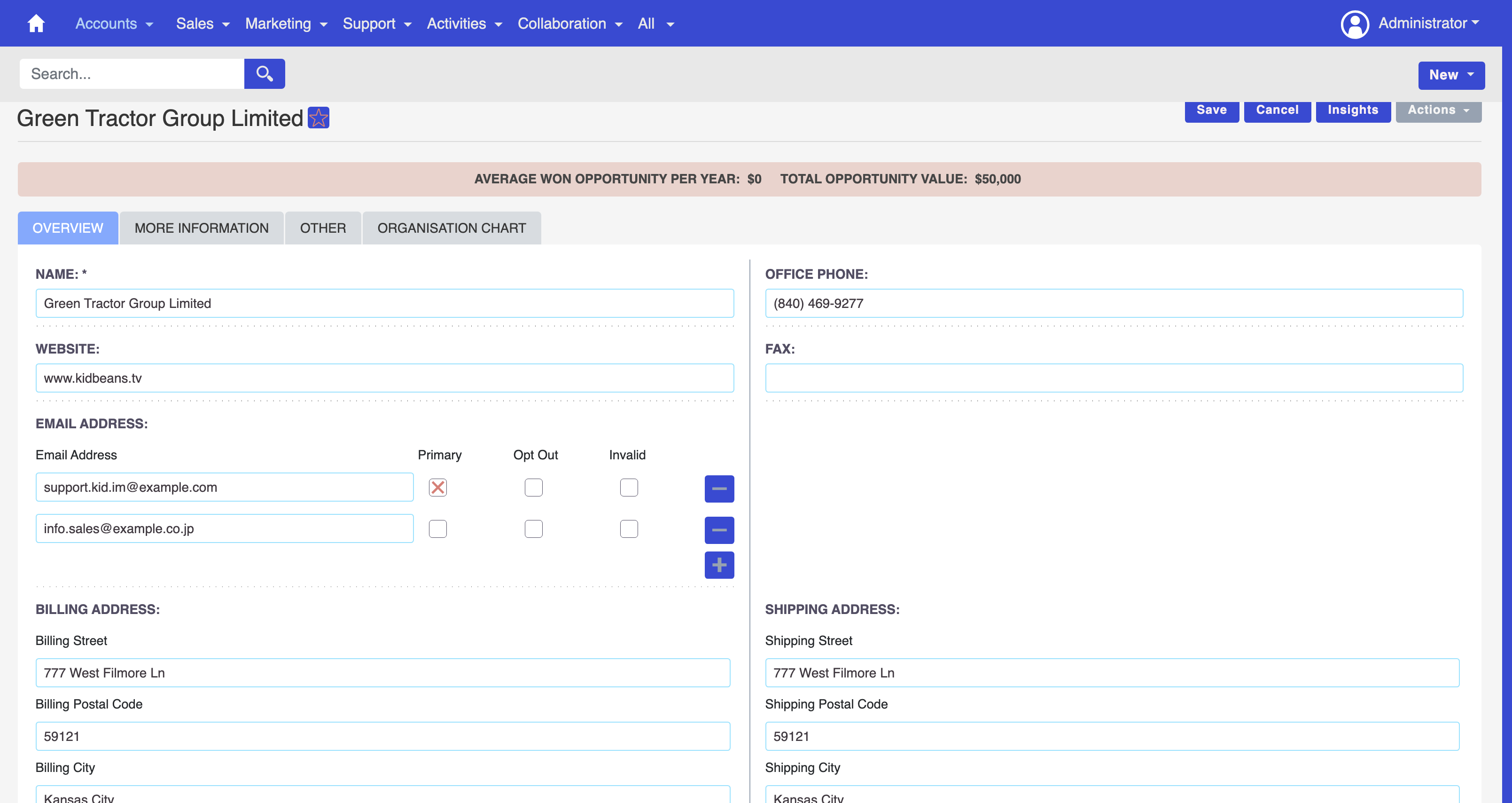
Take the first step towards a more personalized and visually stunning CRM experience. Elevate your SuiteCRM V8 interface with SuiteCRM 8 Theme Editor – where customization meets simplicity.
Unleash the Power of Color. Transform Your CRM Experience. Download SuiteCRM 8 Theme Editor Now! ✨
Demo
Our SuiteCRM Plugins Now Support SuiteCRM 8
All plugins developed by our team are now fully compatible with SuiteCRM 8.
If you are upgrading to SuiteCRM 8, you can continue using these extensions without any compatibility issues.
Productivity and Visualization
- History Time Line - Visualize record history in a timeline.
- MTS Organisation Chart - Display company hierarchy with an organisation chart.
- MTS Kanban - Manage records using a Kanban board.
Developer and Admin Tools
- MTS Code Generator - Generate SuiteCRM modules and components faster.
- MTS Dynamic View - Dynamically show or hide fields based on conditions.
- MTS Cleaner - Clean unnecessary files and optimize SuiteCRM performance.
Business and Finance
- MTS Advanced Invoice - Advanced invoicing features for SuiteCRM.
- MTS Stripe Integration - Accept payments directly from SuiteCRM.
Automation and Integrations
- MTS Notification - Real-time notifications for CRM events.
- MTS Telegram Notify - Send SuiteCRM notifications to Telegram.
- MTS Typeform Integration - Sync Typeform responses into SuiteCRM.
AI and Collaboration
- MTS AI Email Writer - Generate professional emails using AI.
- MTS Comment - Add discussion threads inside records.
- MTS Record Score - Automatically score records based on rules.
Utilities
- MTS Field Highlight - Highlight important fields in record views.
- MTS Language Translate Tool - Translate SuiteCRM labels easily.
- MTS User Activity Log - Track user activity in SuiteCRM.
- MTS Timesheet - Track working time inside SuiteCRM.
- SuiteCRM 8 Theme Editor - Customize SuiteCRM 8 themes without coding.
