


Highlevel Overview
The Idea Signature add-on created by Ideadunes automatically generates company email signatures for new SuiteCRM users, saving you time and eliminating the hassle of manually creating signatures for every new user account. Avoiding this repetitive task allows your team to focus on more important initiatives.
Add-on Features
Great for email personalization and consistency
- When composing emails, see the signature of the user in the body of the email
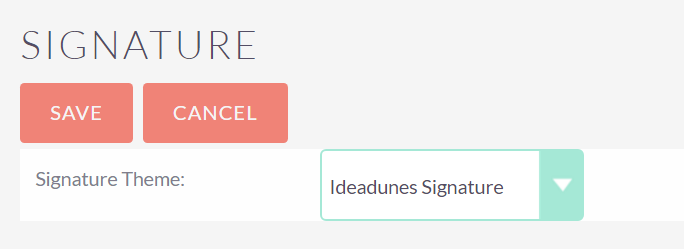
- Simply select the default signature option from the signature dropdown menu
- In the latest version, users can select this signature from the profile of the user
By default, signatures will contain:
- First Name
- Last Name
- Department Name
- Email Address
- Website
- Company Name
- Phone Number
- Social Icons
See example signature below
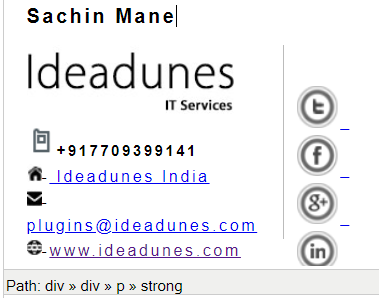
Conveniently includes social icons
- Google Plus
Watch installation video
To learn more about this solution, go to Auto Generate Email Signatures for Users or search for "email signatures."

-
MTS Organization Chart

The MTS Organization Chart add-on uses your SuiteCRM data to create a visual representation of businesses and their reporting structures. For potential customers, gain a better understanding of connections, how teams work together, and what contacts are involved in the decision-making process.
-
SendSMS SuiteCRM SMS Addon

Do you need to send SMS messages from SuiteCRM? SendSMS is the right tool for you. It allows sending SMS with ease to any Contact or Lead or even to many recipients at one time from the List View. SendSMS supports Callfire, Clikatell and Plivo SMS Gateways as well as any custom configuration. Commun...
 Featured
 - Show more addons