

Customer history summary for SuiteCRM Accounts, Contacts and Leads: lifetime value, last contact date and total calls, meetings and emails.
Installation Guide
Installing the Add-on
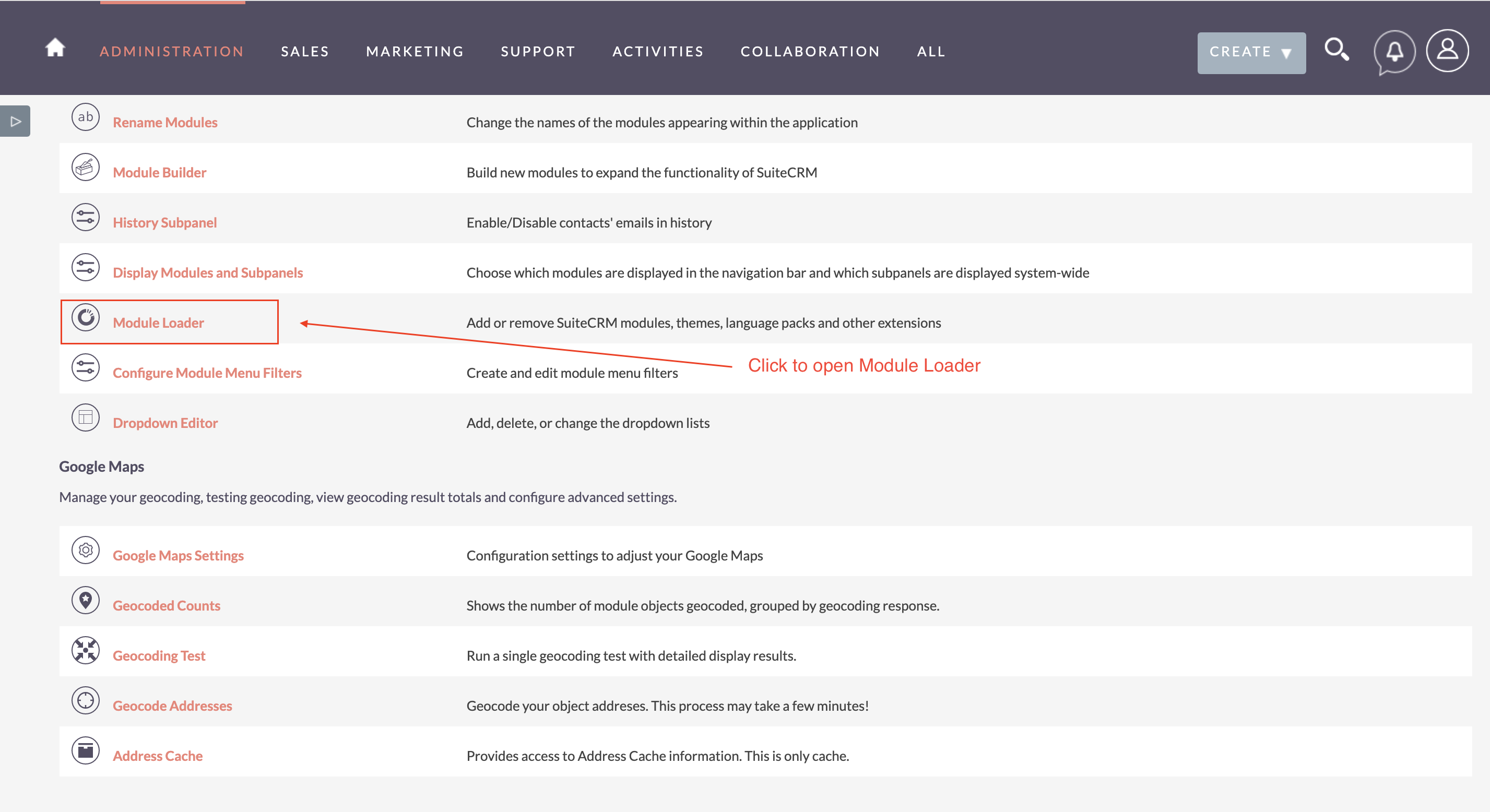
1) On the Administration page, click on “Module Loader” to install the package.
2) Click the 'Browse...' button under Module Loader Screen and select the .zip file you downloaded in Step 1.

3) Click the "Upload" button to transfer the .zip file to your SuiteCRM server. 4) Click the "Install" button next to the newly uploaded MTS History Summary module 5) Step through the installation wizard. 6) Back to Admin page > Repair > Quick Repair & Rebuild 7) Let's go to License settings guide
Uninstall
1) On the Administration page, click on “Module Loader” to Uninstall the package.
 2) Click on Uninstall button.
3) Package will be deleted successfully.
 Saving Comment...
 andres2