


Highlevel Overview
Webhooks allow communication with third-party applications by sending instant web notifications every time an event occurs in your SuiteCRM. With the Webhook Integration by Variance InfoTech, you can configure HTTP URLs and associate them in workflow rules to automate the entire notification process.
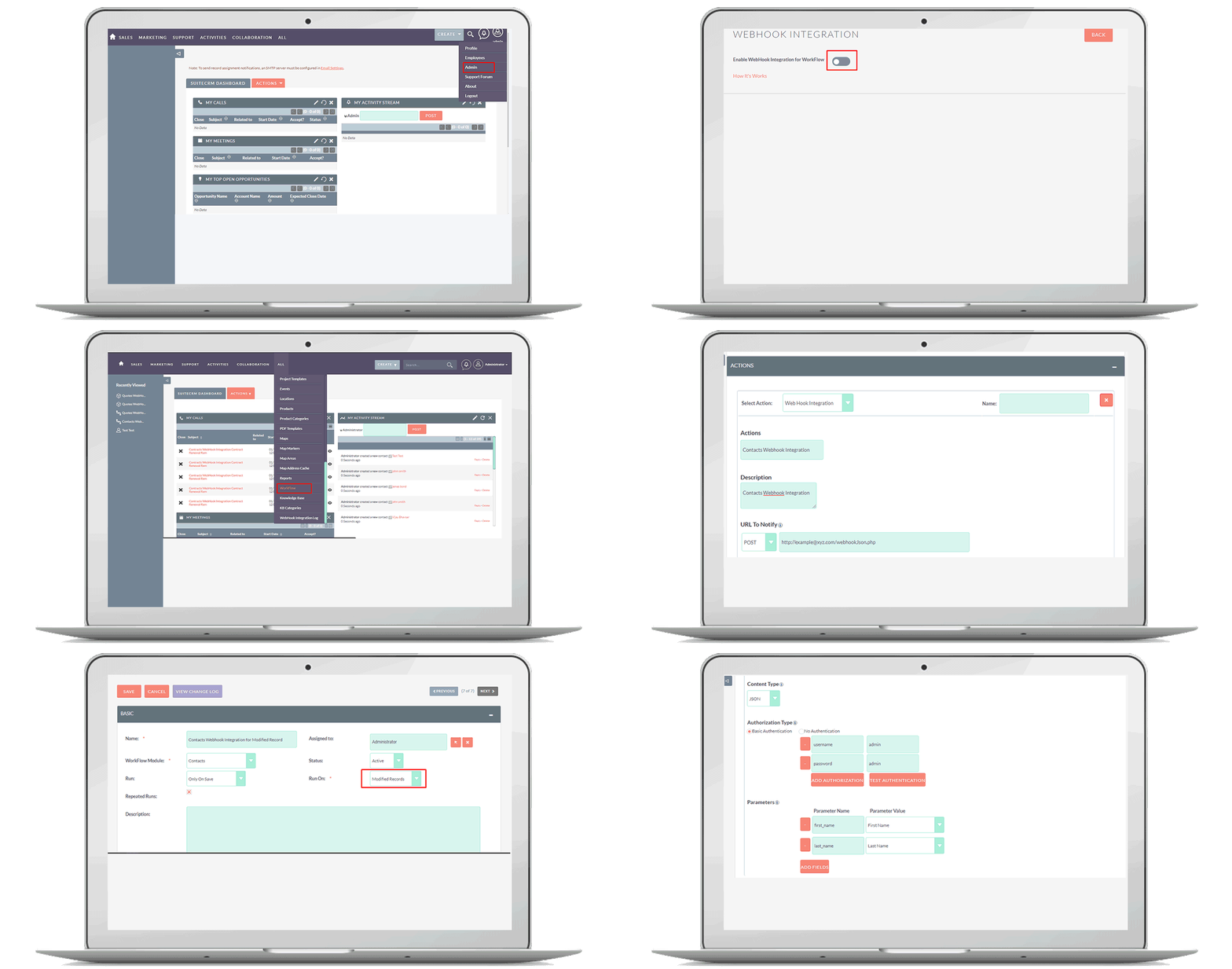
How it Works
Webhooks allow instant notifications to URLs of third-party applications for various activities. Below are some important scenarios accomplished using the Webhook Integration for SuiteCRM:
- After closing an opportunity in your CRM, you can push the customer information to any third-party accounting software and automatically generate an invoice for the customer
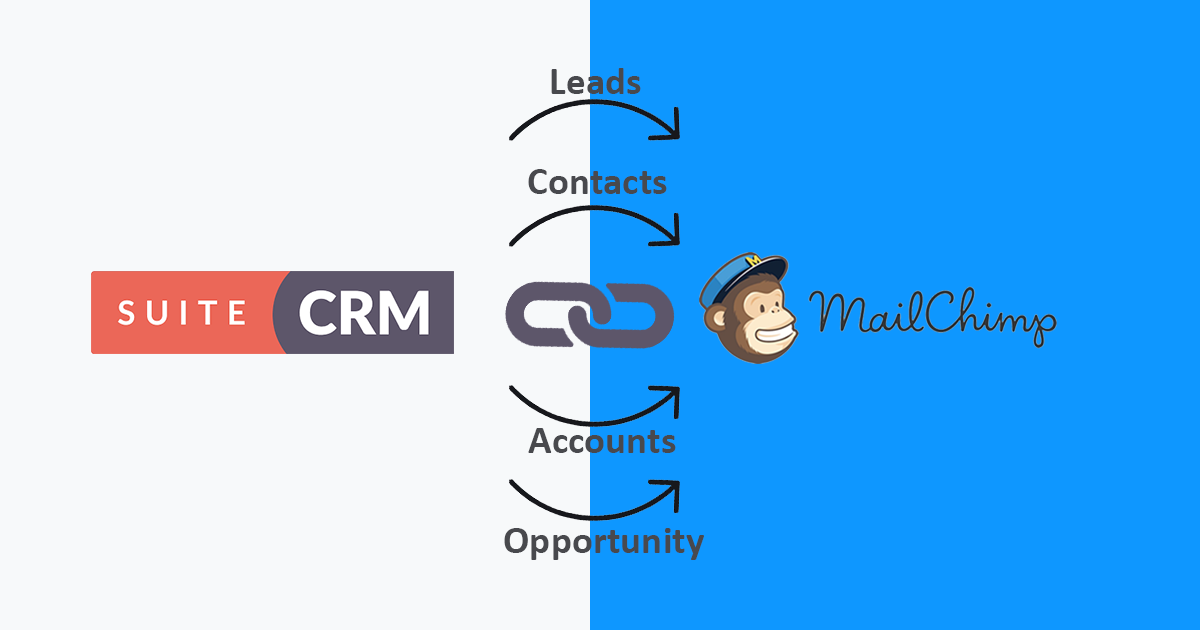
- Automatically add subscribers to the mailing list in email marketing software (e.g. Mailchimp, SendInblue, Sendgrid, etc.) based on leads or contacts collected from your website using your CRM's web forms
- Generate an estimate in your accounting software (QuickBooks or others) as soon as the opportunity stage is changed from prospecting to price quote
- Trigger SMS notifications to field sales reps about customer meetings, demos and other events
Features
1) Send instant web notification to the third-party applications 2) Send instant web notification with POST & PUT Method 3) Support JSON, XML & FORM Content Type 4) Test authentication for HTTP URLs 5) Map SuiteCRM module fields with third-party applications field
See the Webhook Integration in action
To learn more about this solution, go to Webhook Integration or search for "webhooks."

-
Masquerade - Switch User

When it is crucial to access a certain user’s account, the Masquerade add-on for SuiteCRM allows Admins to log in as any regular user without needing their password.
-
User Analytics CRM

How do you know if your CRM platform is being used productively by your team? With the User Analytics CRM add-on, gain valuable insights to understand exactly how SuiteCRM is being used on a daily basis. Get analytics like CRM usage by module with the number of records created, updated or deleted, p...
- Show more addons