


Highlevel Overview
Created by TechEsperto Solutions, the ValCRM Mobile App add-on helps you effectively manage your clients and business while you are on the move. Multiple users can create, edit and modify SuiteCRM on this mobile application, plus keep everything updated with two-way synchronization between the two systems. Turn your phone into a personal sales assistant to simplify your daily activities and focus on what matters the most.
Features of ValCRM:
- Manage the time by scheduling meetings, calls, tasks, and opportunities.
- Calendar is available to see your upcoming meetings and calls
- Attach photos and files directly to your feeds for easier access and improved business efficiency
- Create up-to-date information about all your leads, potential opportunities and customers in a centralized system
- Take your business processes mobile with an interface that is optimized for both phones and tablets
- Streamline your mobile experience by configuring which fields and modules appear with mobile-specific layouts
- Real-time dashboard reporting gives you visibility of key insights and the sales reports
- ValCRM helps you to complete your sales process
How it Works
Watch Demo Video
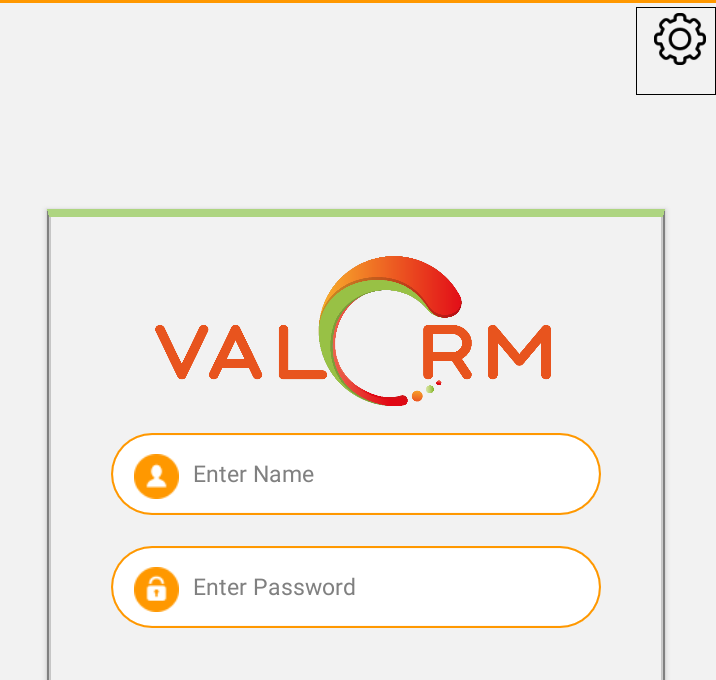
How login screen appears:
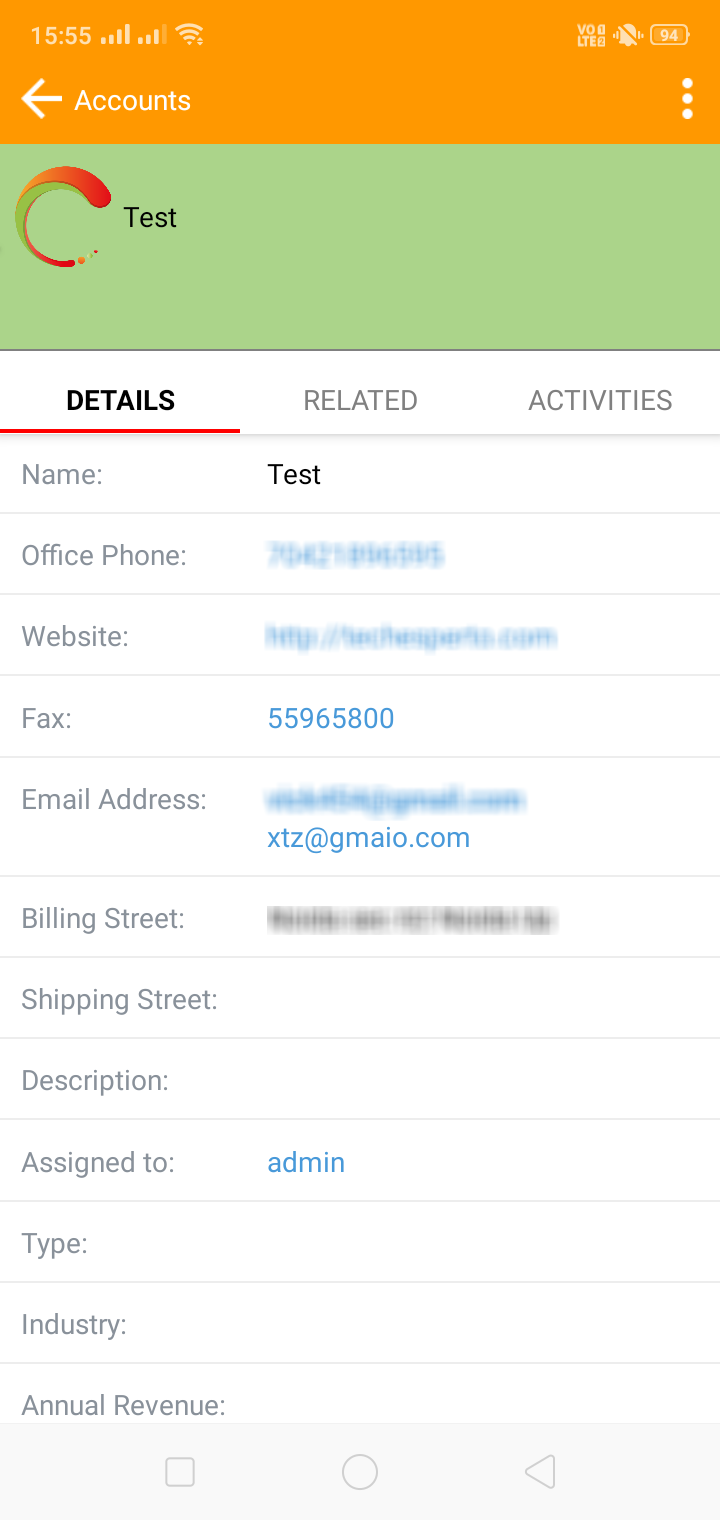
How detail screen appears:
To learn more about this solution, go to ValCRM Mobile App or search for "mobile CRM."
-
Appointment Scheduler

Schedule meetings with just a few clicks! The Appointment Scheduler add-on for SuiteCRM allows your prospects and customers to schedule appointments from published calendars of your website or any other pages integrated with SuiteCRM.

-
CRM Defender

Secure your SuiteCRM. Protect your CRM against brute force attacks, manually listing allowed IPs (IP Restriction and IP Whitelisting) or automatically adding prohibited IPs. Track users' logins and protect your data.

-
MTS SuiteCRM 8 Theme Editor
Unleash the power of customization and elevate your SuiteCRM experience with MTS SuiteCRM 8 Theme Editor. Unlimited colors, responsive design, no code needed, load theme by security group, enable sidebar menu, and other awesome features.
- Show more addons