


Highlevel Overview
SuiteCRM currently allows users to access the CRM using the same login credentials from multiple locations, at the same time. This default function can leave accounts and sensitive data vulnerable to being compromised. That's why the team at CRM Technologies created the SuiteCRM Simultaneous Logins add-on. It empowers CRM Admins to allow or deny multiple login sessions to the system that use the same credentials.
This add-on also helps users detect if their account is being used at another location. For example, if a user receives a message that their account is already being accessed from another location, they will be alerted that their credentials have been compromised and they should update their password immediately.
How it Works
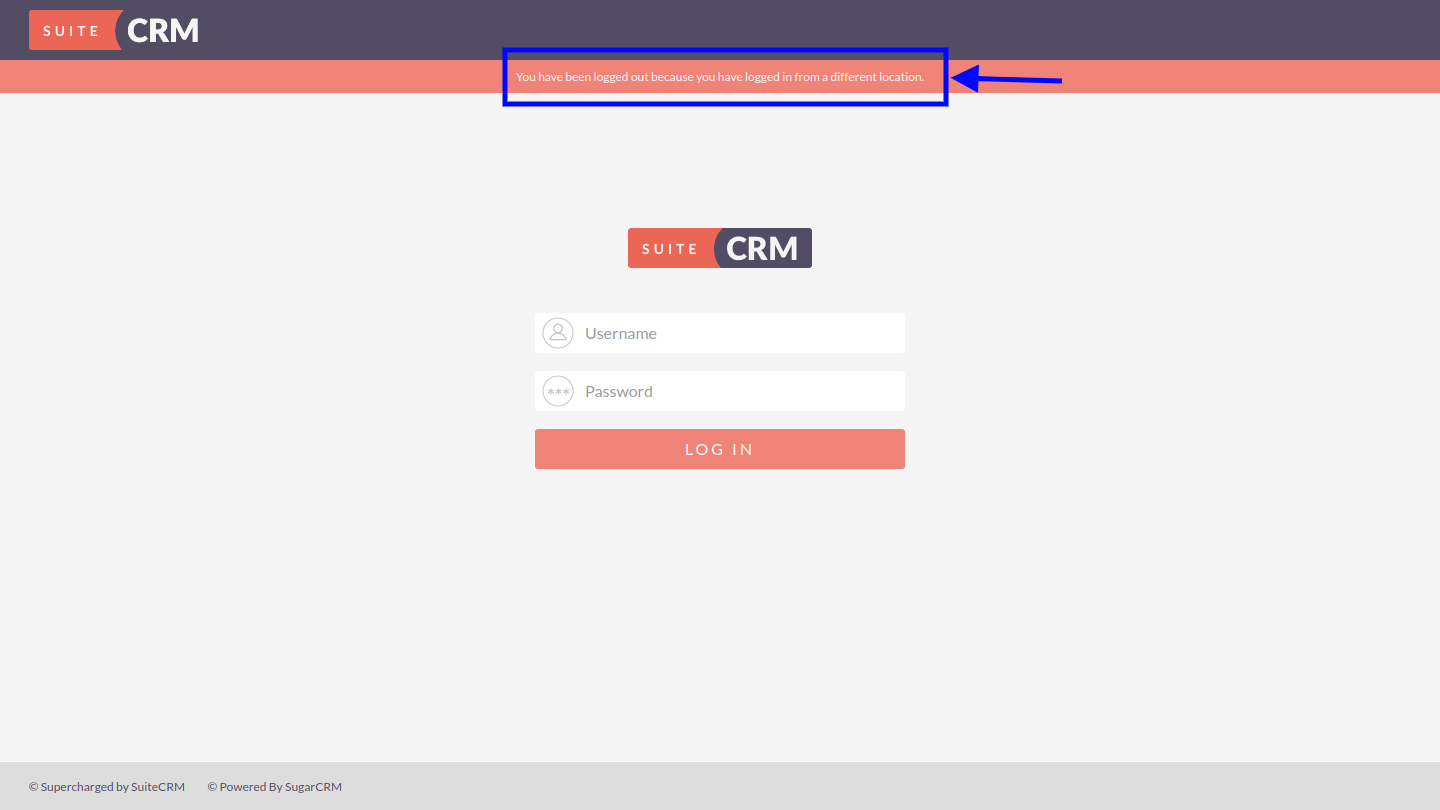
User's existing SuiteCRM session will be logged out automatically when new session is generated for the same user.
Note: this feature does not impact SecuritySuite’s Login as feature
The following warning message will be displayed on screen:
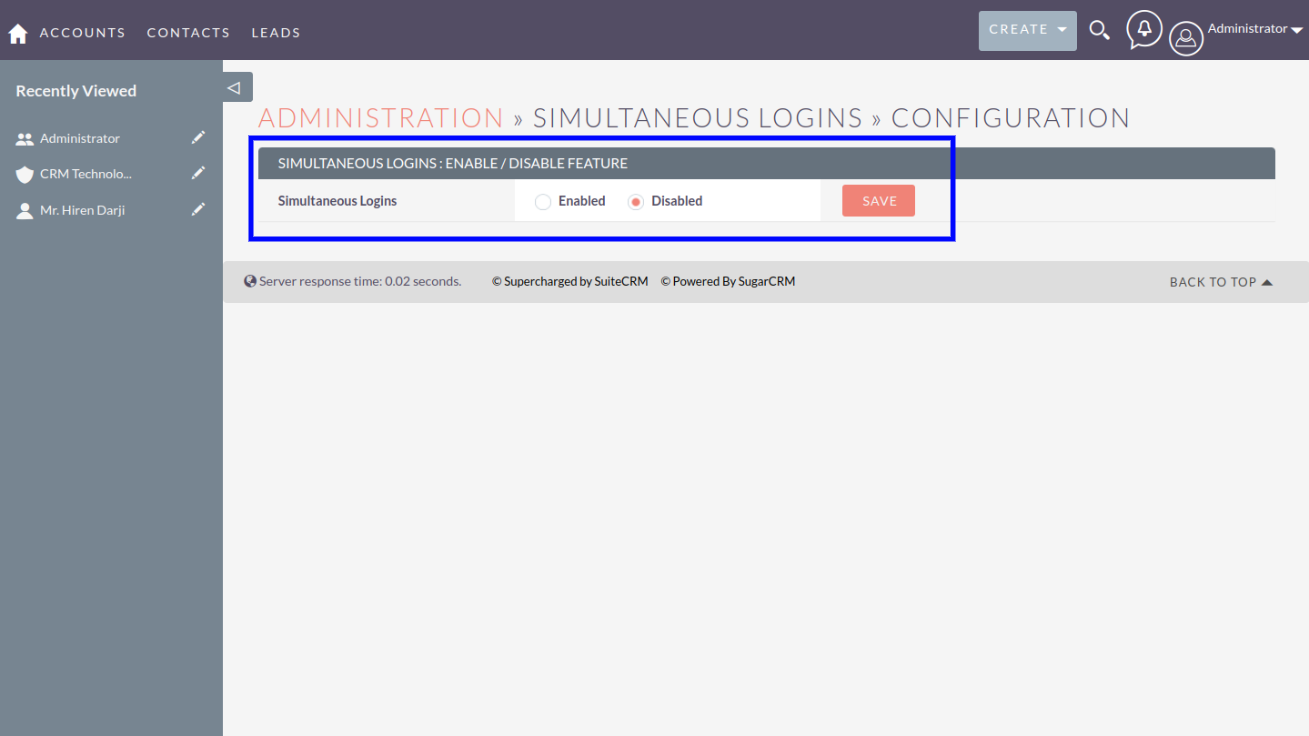
One-time easy configuration:
To learn more about this solution, go to SuiteCRM Simultaneous Logins or search for "logins."


-
QuickBooks Integration with SuiteCRM
Sync QuickBooks Customer,Invoice & Products in SuiteCRM. The integration will generate a Contact in SuiteCRM whenever you create a customer, an Invoice when a new Invoice is created, and a Product when a new Item is created.
 Featured
 -
Service Level Agreement
Service Level Agreement (SLA) is the understanding between service provider and customer to offer service from service provider.
“SuiteCRM Service Level Agreement” extensions from VIPL Team support SLA and its defined by users.
You can create notification and escalation procedures in terms of ...
- Show more addons