


This add-on helps users log into SuiteCRM with their existing Google ID, so they no longer need to remember multiple user credentials. As the plugin enables the user will automatically redirect to Google URL where the user selects an account he will redirect on the CRM.
#5866 - Button does not show on login
After installing the plugin and validating all steps of setup
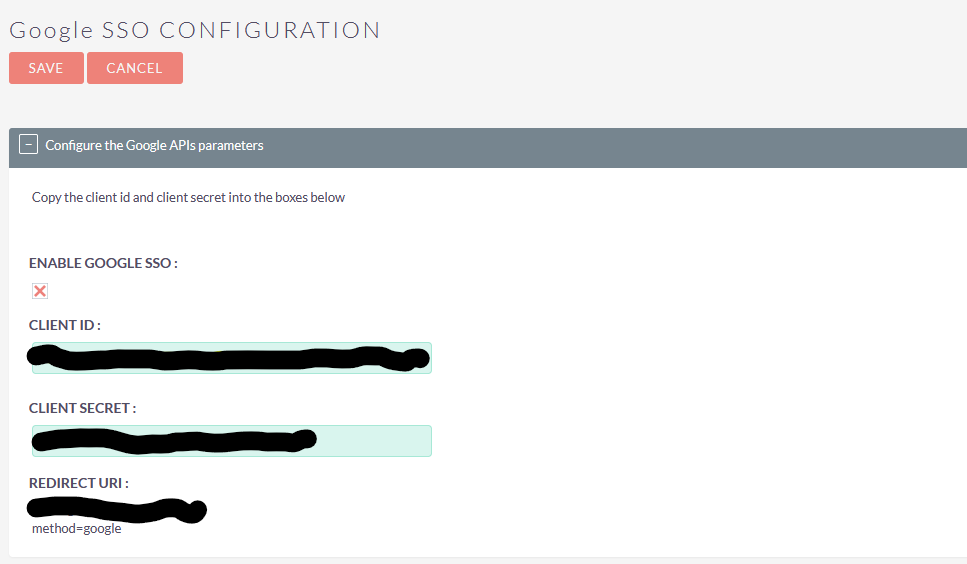
The login page does not show the Google login option as shown in documentation
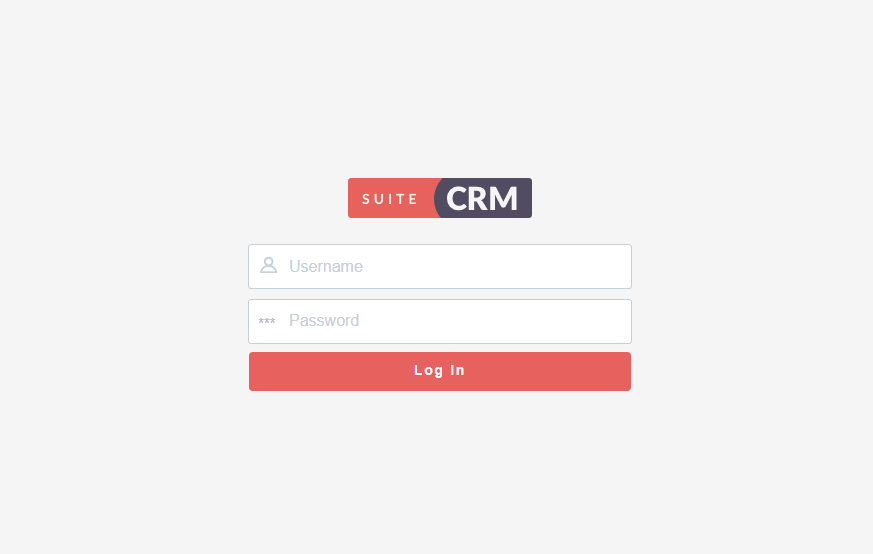
I am using Suite CRM 8.9.1, Any additional troubleshooting advice would be appreciated.

8 months ago
Hi,
Currently, the plugin is compatible up to version 8.6. Our team is actively working on making it compatible with version 8.9. We’ll let you know as soon as the update is completed. Thank you for your patience and understanding.
Regards, Helfertech
8 months ago
My concern is that it specifically states on your Documentation page that 8.9.1,
8 months ago
Hi,
Yes, that section is auto-generated by the store. The “Supported Versions” range updates automatically when new SuiteCRM versions are released.
We have now updated our plugin, and it is fully compatible with SuiteCRM 8.9.1. Please download the latest version directly from the store: HT_GoogleSSOForSuite8OneTimeV1.1, and upload it to your system.
Kindly ensure that you uninstall the previously installed version before uploading the updated package.
Please let us know if you encounter any issues or need assistance during the update. Thank you for your patience.
Regards, Helfertech