


Highlevel Overview
Does your team need a seamless and efficient way to manage customer appointments and interactions related to your CRM? With the SuiteCRM Appointlet Integration by Sapient Softwares, every meeting scheduled via Appointlet is automatically and instantly reflected in SuiteCRM. This enables your team to focus on what matters most – providing exceptional service and growing your business.
- Real-time data synchronization keeps your CRM up to date with the latest booking details, client information, and meeting schedules
- Streamlined appointment management with a holistic view of customer interactions within SuiteCRM
- Powerful tool for enhancing customer engagement, automating workflows, and reducing manual administrative tasks
How it Works
The following event types will sync bookings into SuiteCRM:
- Meeting Scheduled
- Meeting Rescheduled
- Meeting Canceled
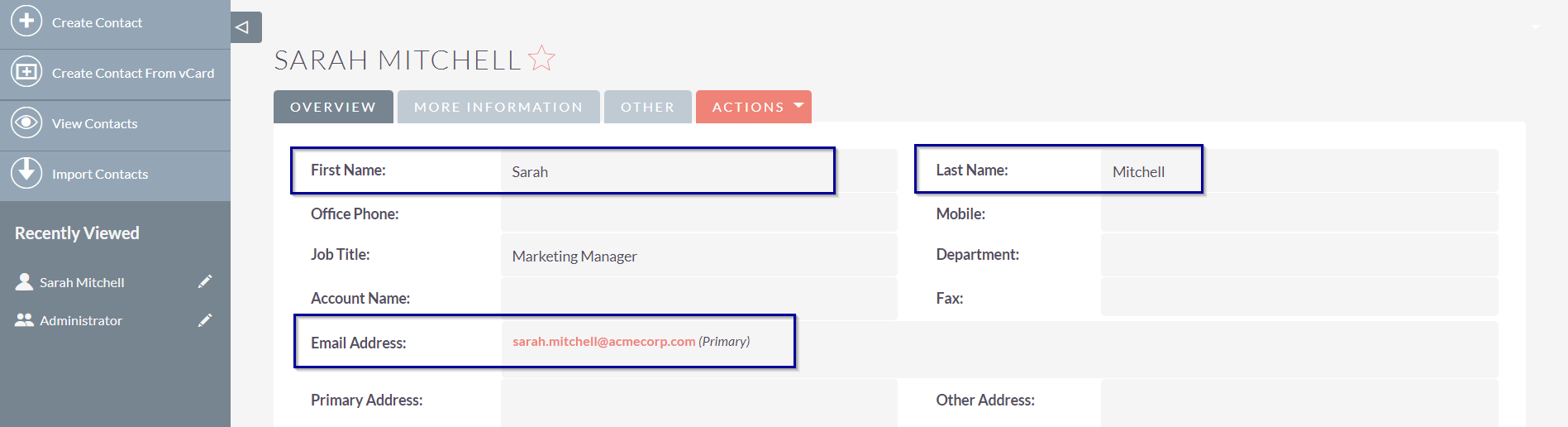
Contact/Lead
It creates a lead/contact record based on the email address that exists in SuiteCRM and relates to the meeting records.
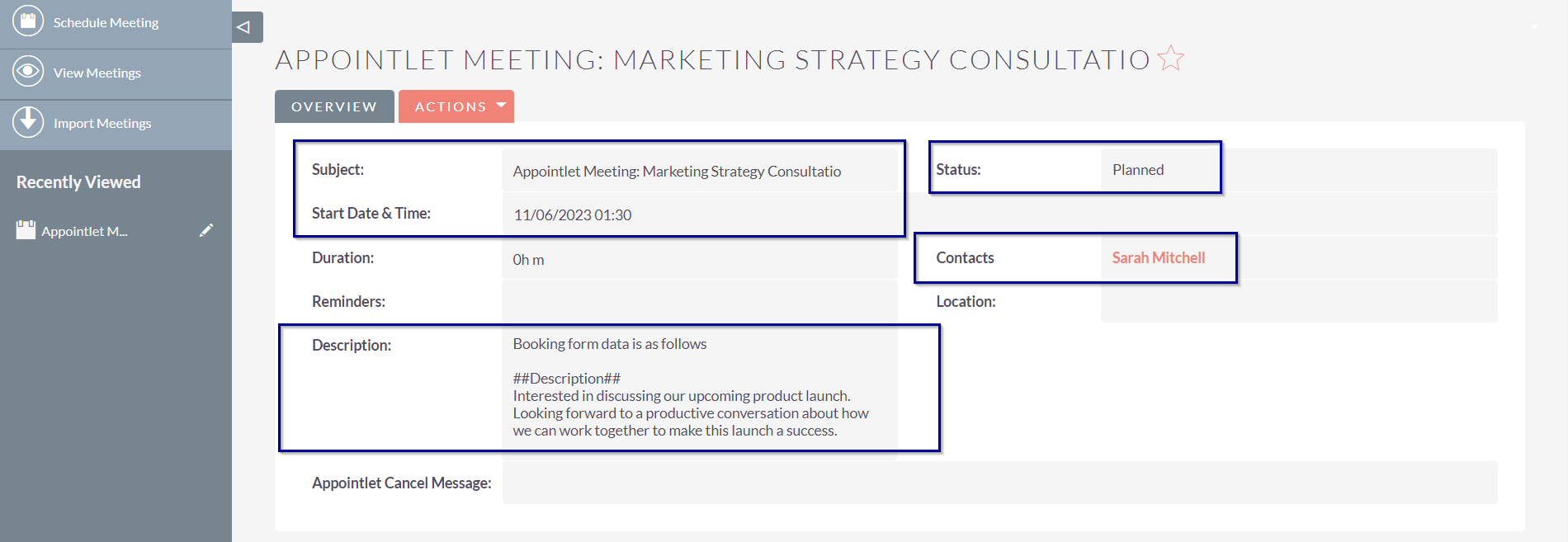
Meeting
It creates a meeting record with all the details of the appointlet booking.
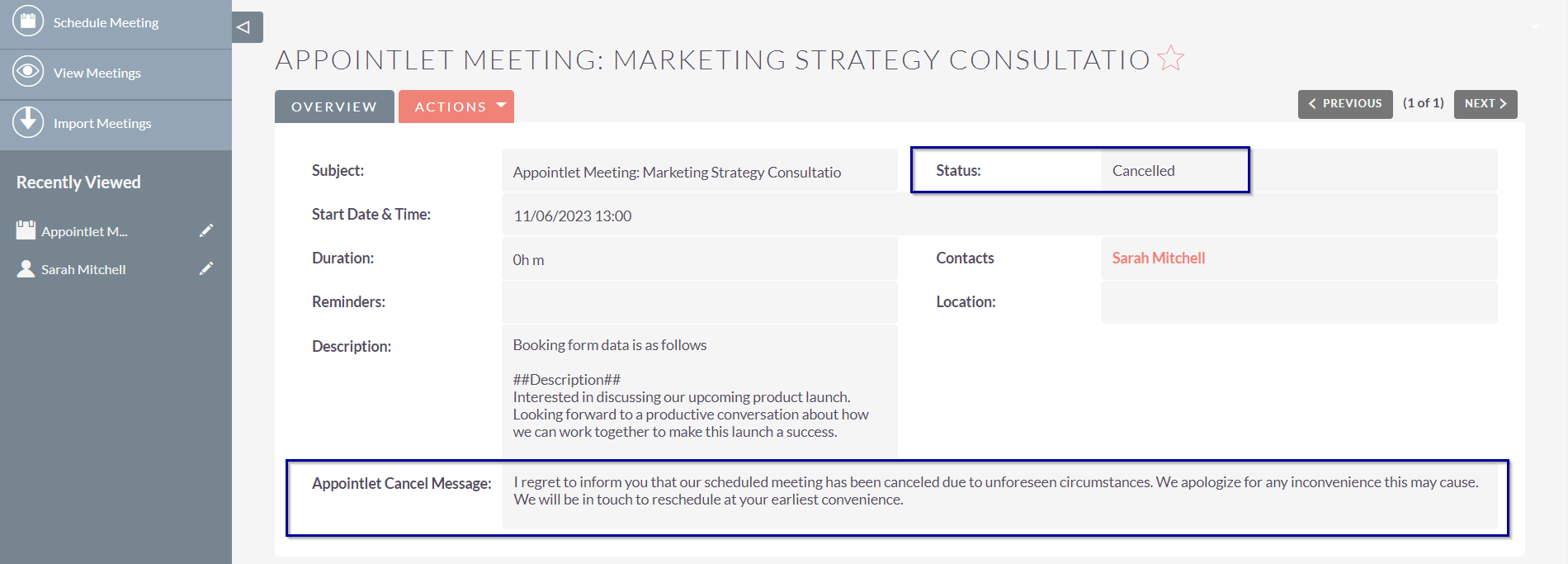
When someone cancels the meeting, it updates the SuiteCRM meeting record as follows.
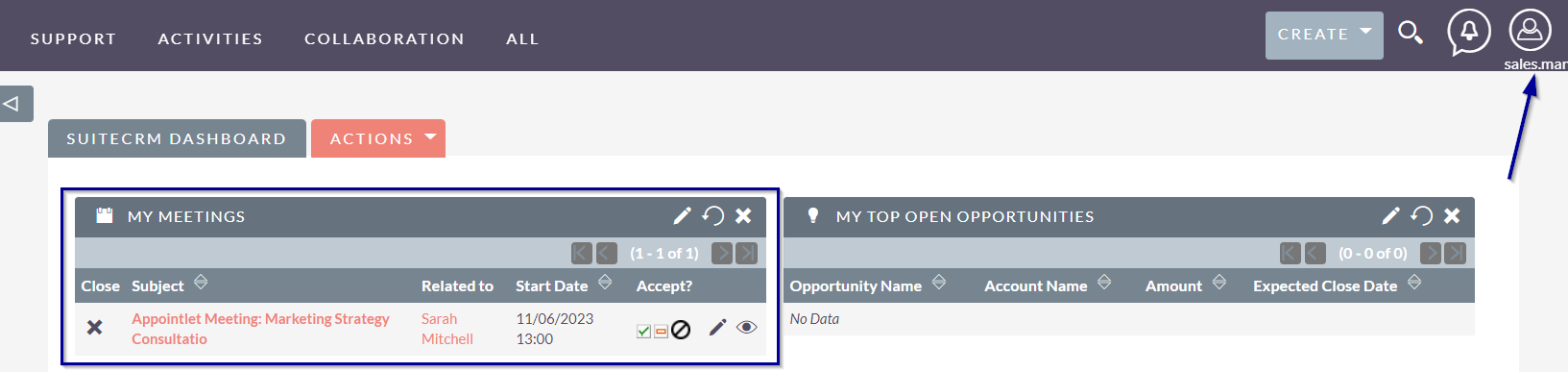
SuiteCRM user can see all the meetings on the dashboard that are assigned to him/her.
To learn more about this solution, go to SuiteCRM Appointlet Integration, or search for "Appointlet" on the marketplace.
-
File Field

The File Field type allows you to add unlimited file upload fields to any module. Need to required certain files such as a quote? Add files to any module with the File field available in Studio
-
DocParser

DocParser creates PDF or MS Word documents based on any record and it's related data. DocParser can be used to merge information from any module into a presentation-quality document and create an MS Word and PDF documents. The parsed document can be downloaded from both the List view and Detail...
 Featured
 - Show more addons