Target Lists are a critical necessity for many businesses. They hold your most important customers, leads, and prospects. But it can be painful to manage those lists and often they end up out-of-date and missing key data.
With Target List Wizard you can reduce and even eliminate those mistakes along with the time consuming management process. By utilizing reports and workflows you can keep your lists up-to-date automatically, resulting in more effective campaigns.
Highlevel Overview
A better way to manage and maintain your Target Lists. Target List Wizard allows you to keep lists up to date automatically using reports or workflows or manually from each of your records using the Target List subpanel. Also includes the ability to mass remove and also search for records that do or do not belong to a certain target list.
Populate Lists by Workflows
Based on your workflow definition you can have a record automatically added or removed to any number of target lists.

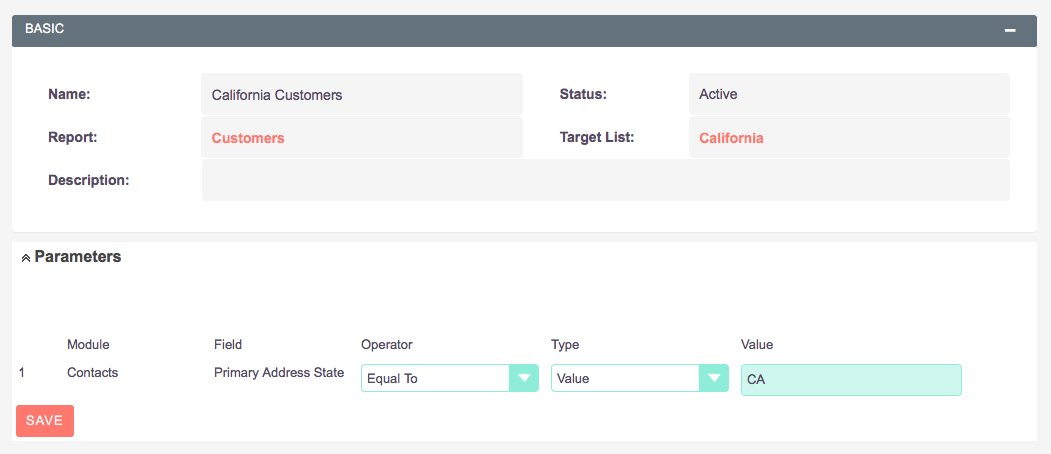
Populate Lists by Reports
Run reports automatically every day or on demand based on your parameter criteria and have the results drive what gets loaded into the target list.
Populate Lists by Record Subpanel
A new Target Lists subpanel will show under your key modules so that you can manage the lists manually as well.

To learn more about this solution go to Target List Wizard or search for "Target List Wizard".