

Auto-generate invoice, quote and customer codes in SuiteCRM using templates with date, sequence and field placeholders, plus yearly or monthly resets.
Admin Guide
Configuration
Step 1: Go to Admin area
Step 2: Select MTS Code Generator Settings
Step 3: Click Create MTS Code Generator Configuration > Enter required to configure fields
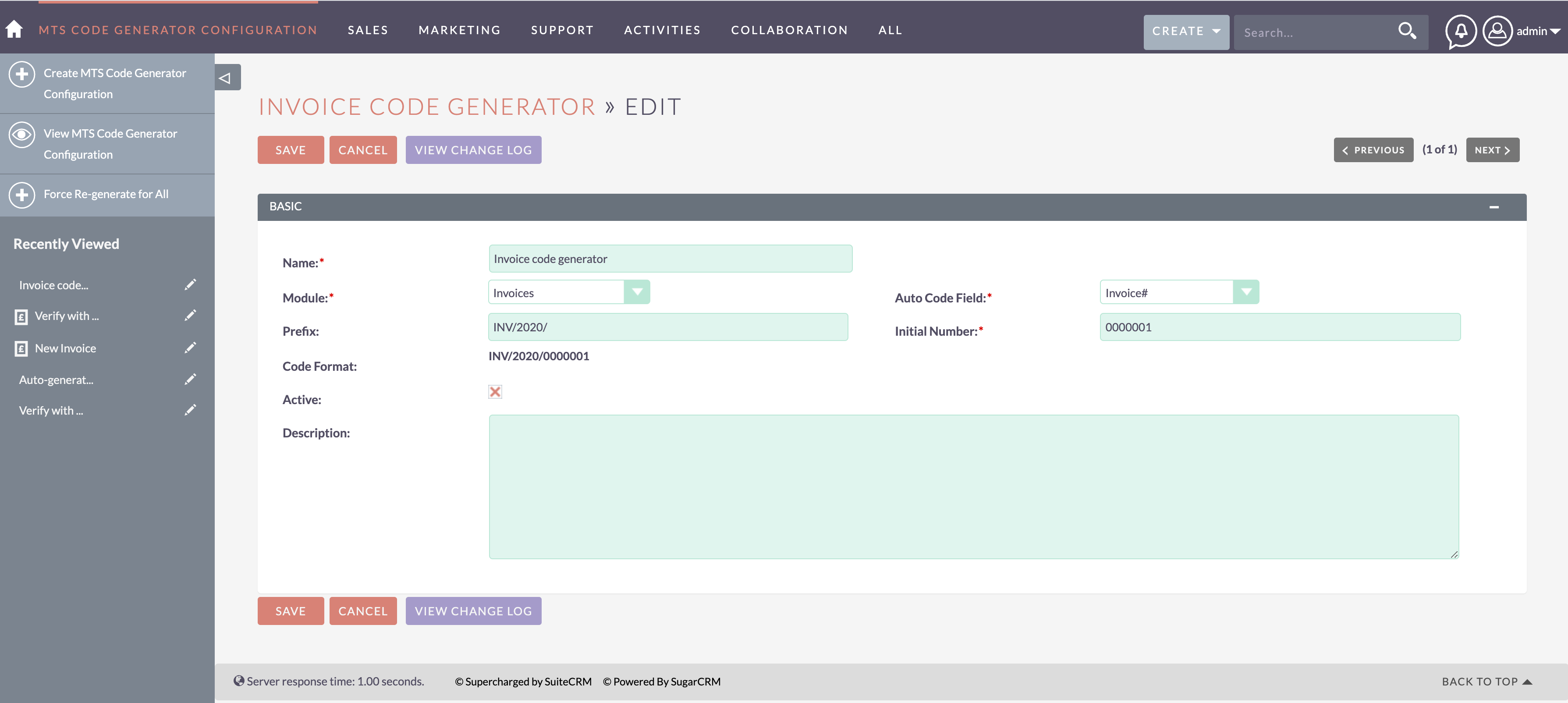
Step 4: Hit 'Save'
Step 5: Go to the module has configured > try to create a new record and verify it
Force Re-generate for all old records
Step 1 and step 2: Do the same above.
Step 3: Click Force Re-generate for All on Menu or on the list view
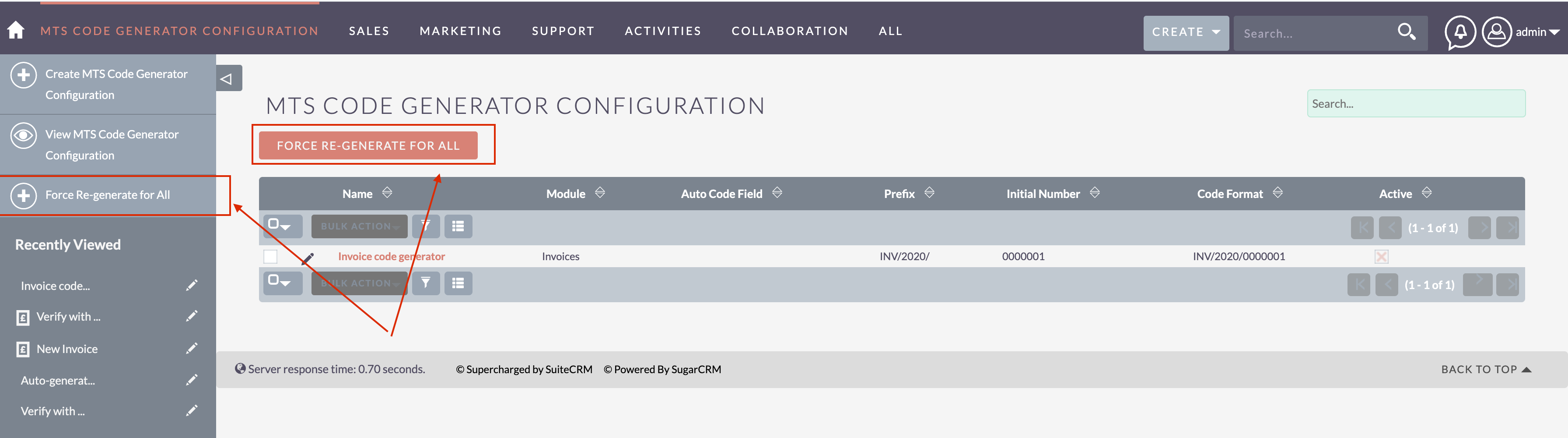
- Step 4: Select the module to run (the module must-have in the configuration) > Select the field you want to order by when you re-generate code for records. !!!IMPORTANT: Once you do this action. All old values of the auto code field will be forced to null before it re-generates code value. So, please be careful before running it. Also, we suggest you should be applying the auto code on the new field, also the auto code field should be a type of TextField. Please don't use the current field to make sure old data does not affect

Video demo
 Saving Comment...
 Mohammad Jashim Uddin